KotaDex - User Tutorial
The complete guide to KotaDex for iOS and Android — from your first scanned card to your digital business card, follow-up reminders and all eight tools. Screenshots switch between iPhone and Android with the toggle.
Getting Started
KotaDex is a business toolkit built around one moment: someone hands you a card. Scan it, and the contact is in your network with the tags and reminders you need to follow up. Around that core sit eight tools for the paperwork of working life — receipts, documents, handwritten notes, barcodes and social posts.
The app is organized into five tabs along the bottom of the screen:
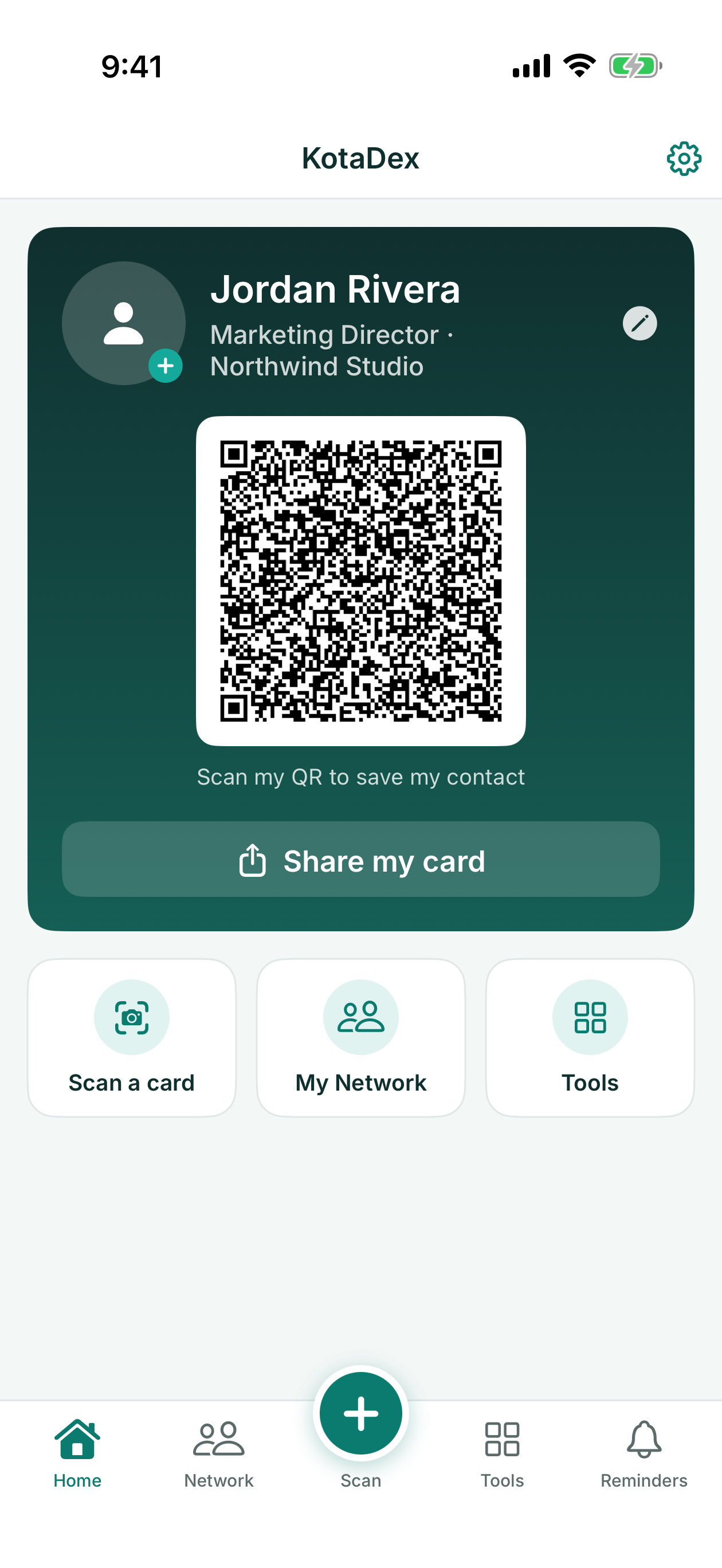
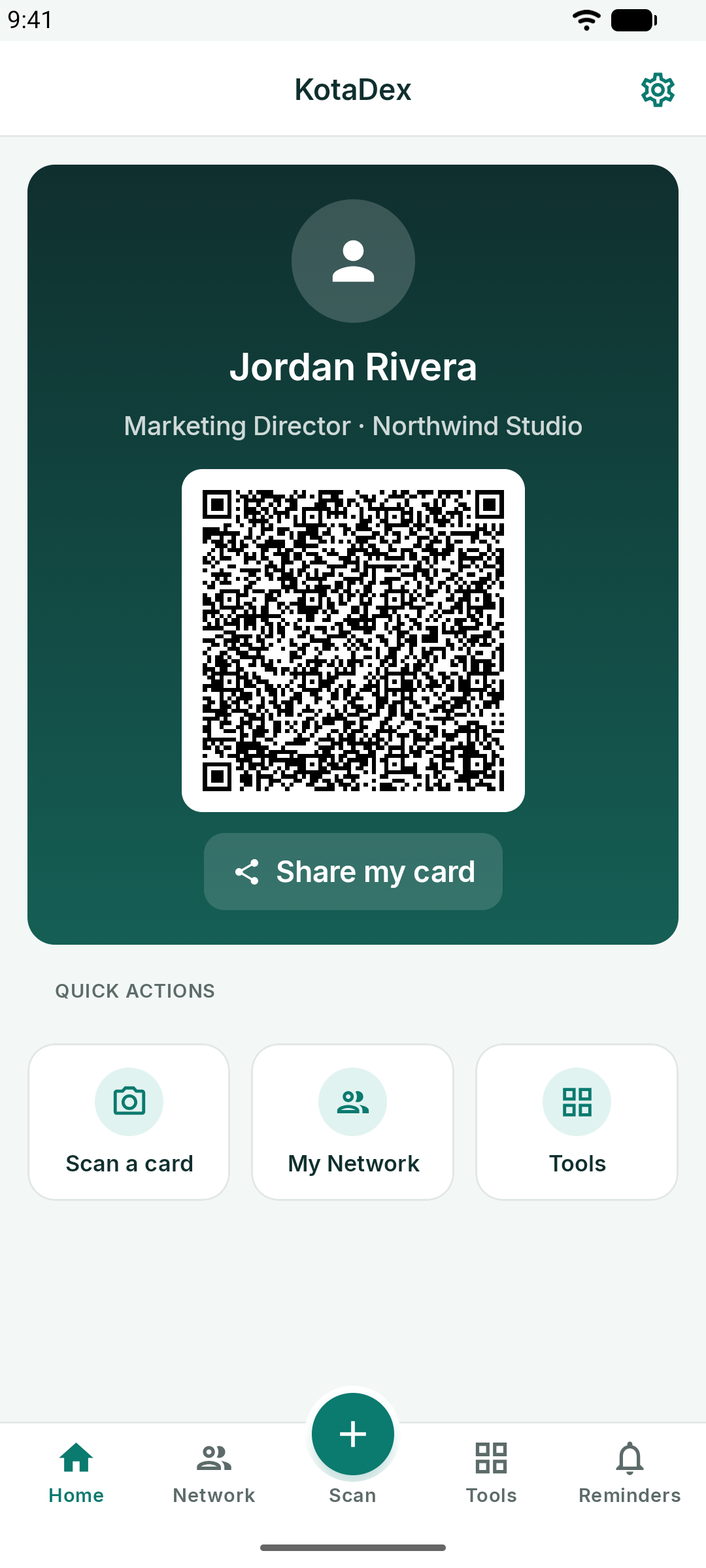
- Home - your digital business card and the quick actions
- Network - every contact you have scanned, searchable and filterable by tag
- Scan - the raised button in the middle: scan a business card
- Tools - the eight tools
- Reminders - follow-up reminders by tag
Settings lives behind the gear in the top-right corner of every screen.
Free vs Pro
- Free: everything in this tutorial. Ads appear on the browsing screens, and a short ad unlocks each CSV or PDF export.
- Pro: exactly the same features with every ad removed and instant exports — see KotaDex Pro.
Nothing you scan or type ever leaves your device: there is no account, no cloud and no sync. Back up your phone to keep a copy.
Scanning a Business Card
Tap the round Scan button in the middle of the tab bar, or Scan a card on the Home screen.
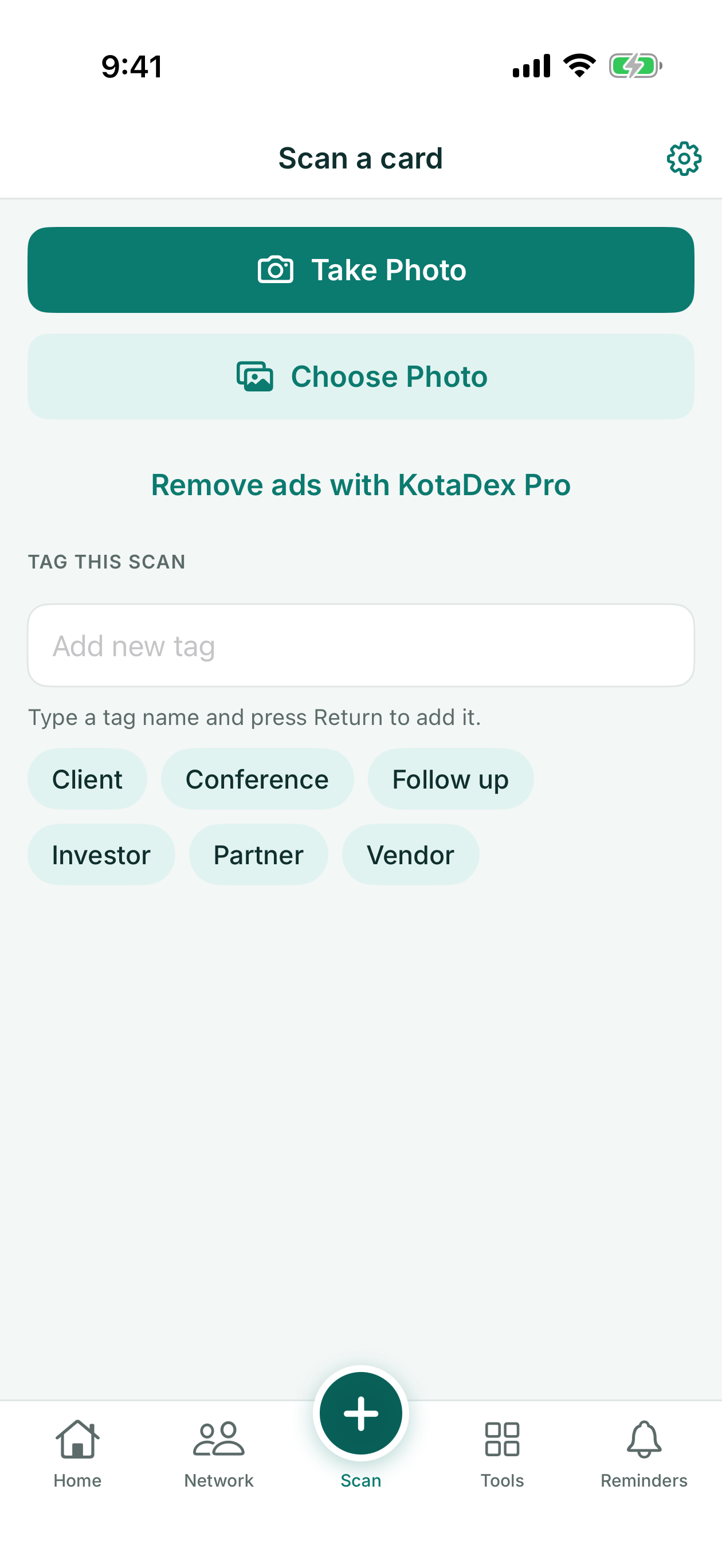
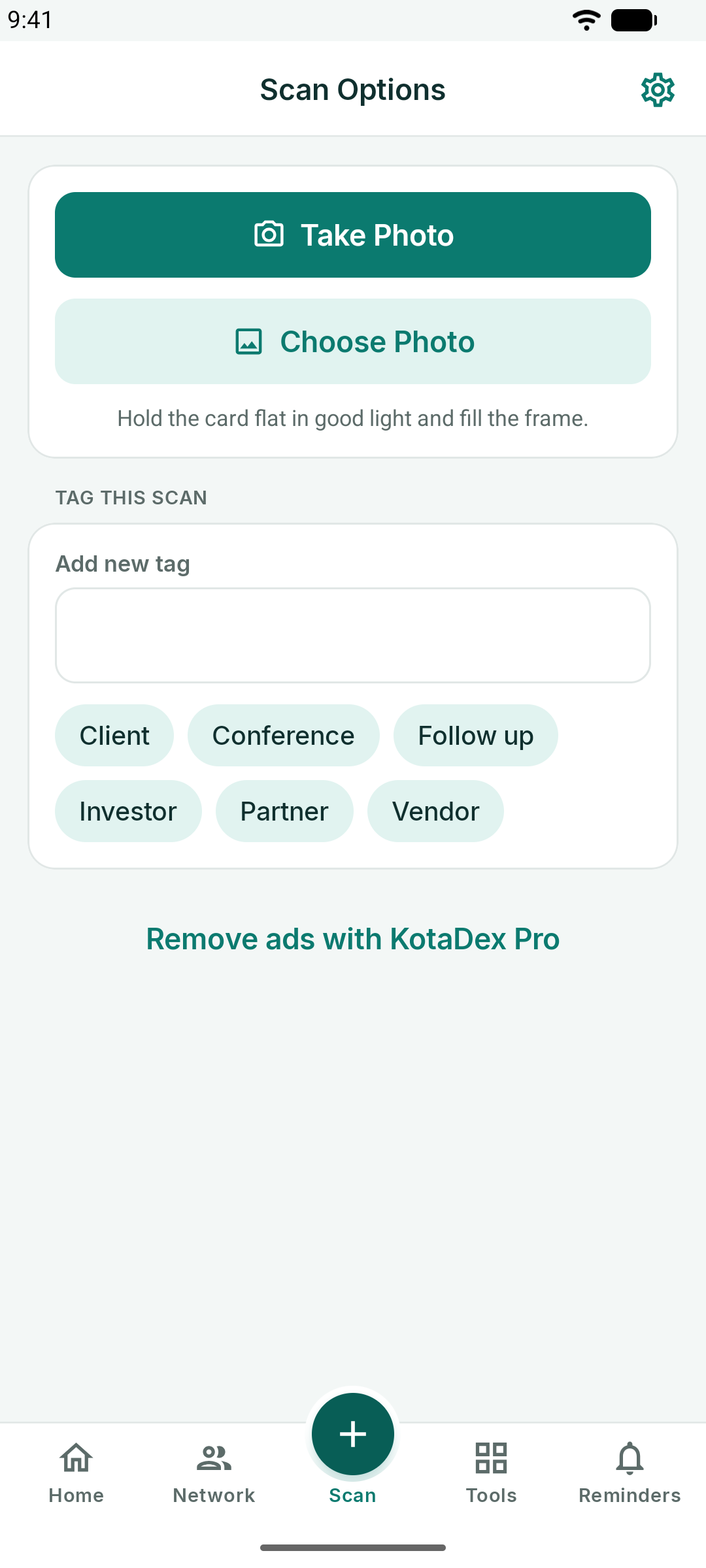
- Take Photo opens the camera. Fill the frame with the card, hold the phone level, and tap the shutter.
- Choose Photo imports a card you photographed earlier.
- Tag this scan before you shoot: pick an existing tag or type a new one and press Return. The tag is attached to the contact automatically.
KotaDex reads the card on your device — Apple Vision on iOS, Google ML Kit on Android — and fills in the name, job title, company, phone numbers, email, website and social handles it finds. Thirty scripts are supported, from Latin and Cyrillic to Arabic, Hebrew, Devanagari, Thai and CJK.
Cards with a photo of the person get that photo detected and offered as the contact picture.
Reviewing and Saving
After a scan you land in the contact editor with every field pre-filled. Fix anything the camera misread, add notes ("met at SaaS Summit"), and tap Save.
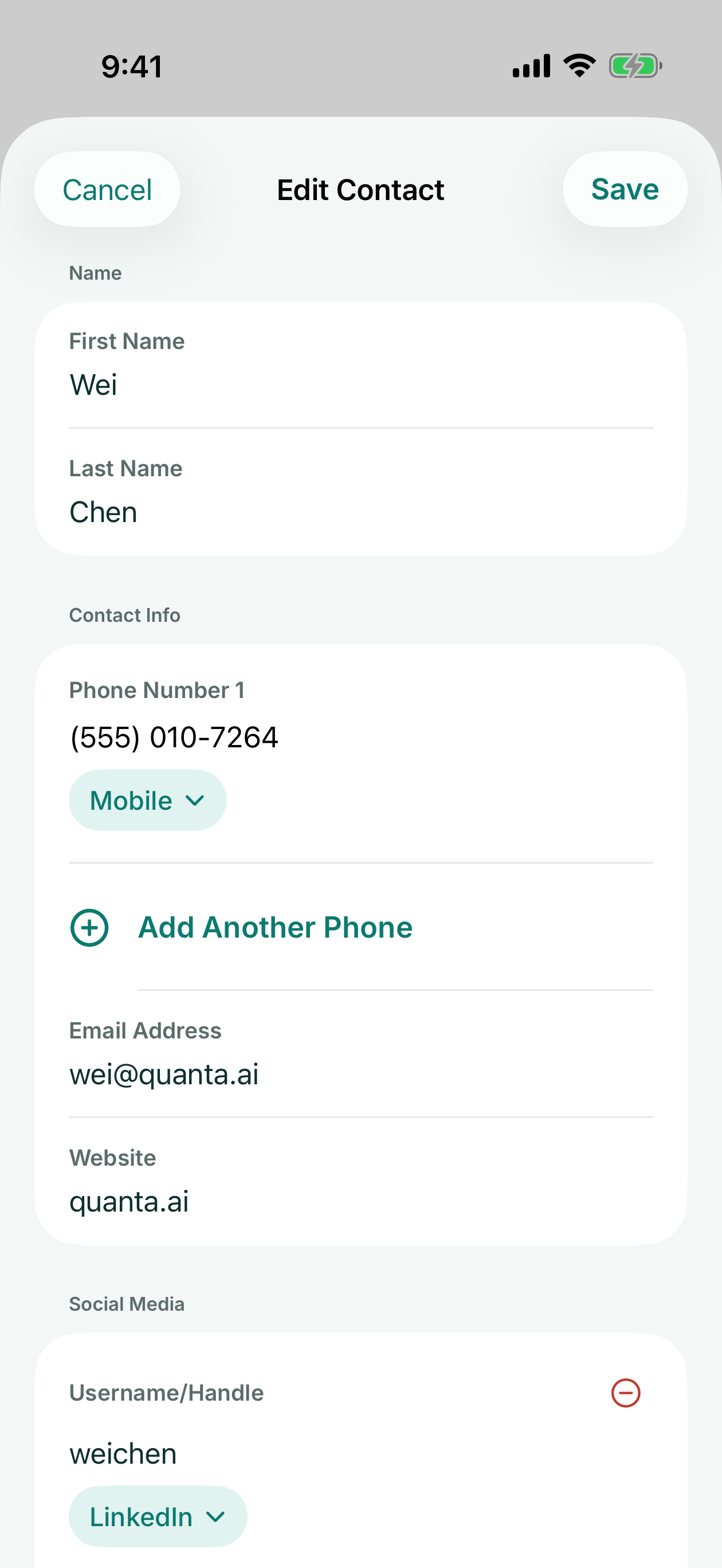
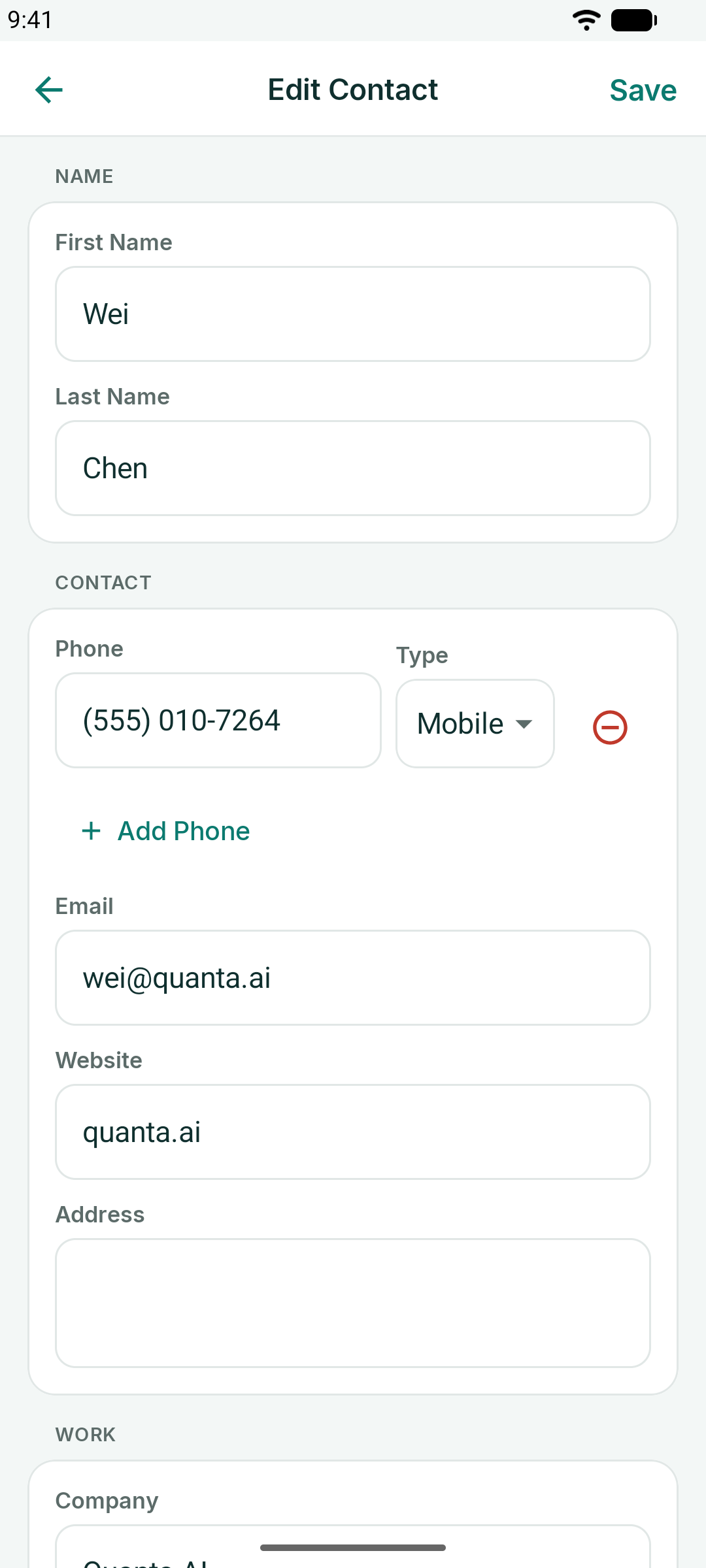
- Phone numbers carry a type — Mobile, Work, Home — tap the pill to change it, or Add Another Phone.
- Social handles get a platform picker: LinkedIn, X, Instagram and more.
- Save to Contacts writes the person into your phone's contacts app as well, with the card photo, when you choose to.
My Network
The Network tab is every card you have ever scanned, sorted by last name with an A-Z index on the right.
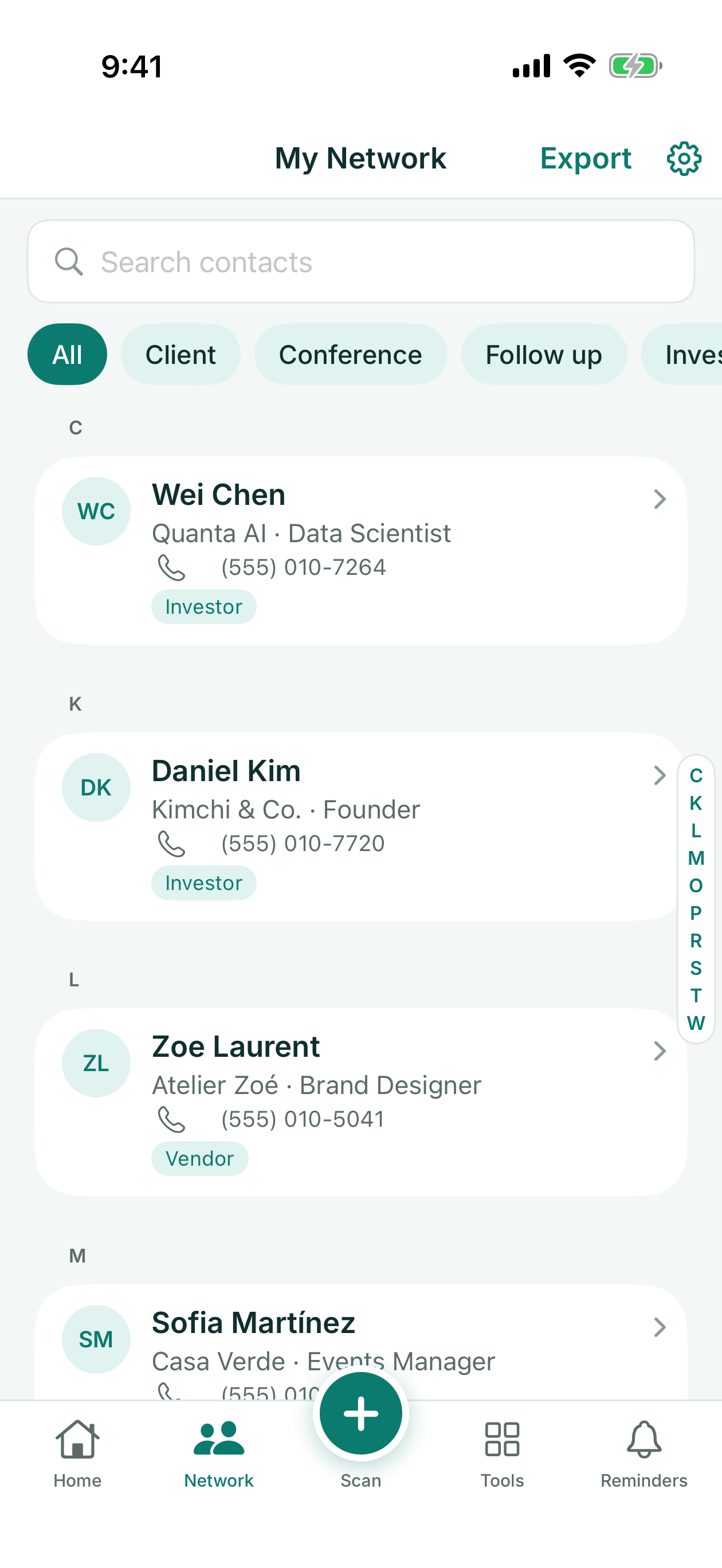
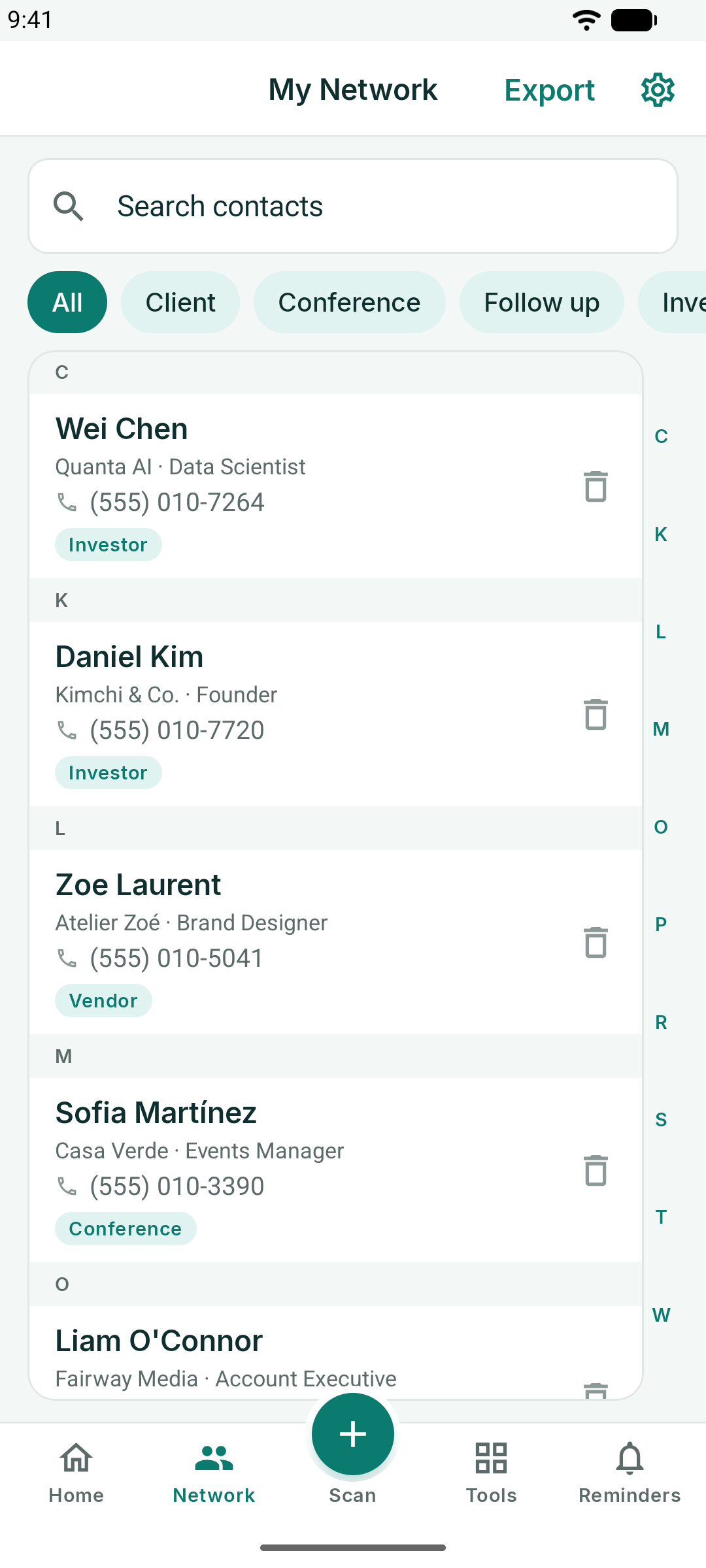
- Search matches names, companies, titles, phone numbers and emails as you type.
- Tag chips under the search field filter the list to one tag; All brings everyone back.
- Tap a contact to edit it; swipe to delete on iOS, or use the trash icon on Android.
- Export in the header writes the whole network to a CSV file you can open in Excel, Numbers or Google Sheets, or import into a CRM.
Export is instant with Pro. On the free plan a short ad plays first.
Tags
Tags are how KotaDex remembers *why* you have a card. Add them while scanning, or edit a contact and add them later. Typical tags: Client, Partner, Investor, Vendor, Conference, Follow up.
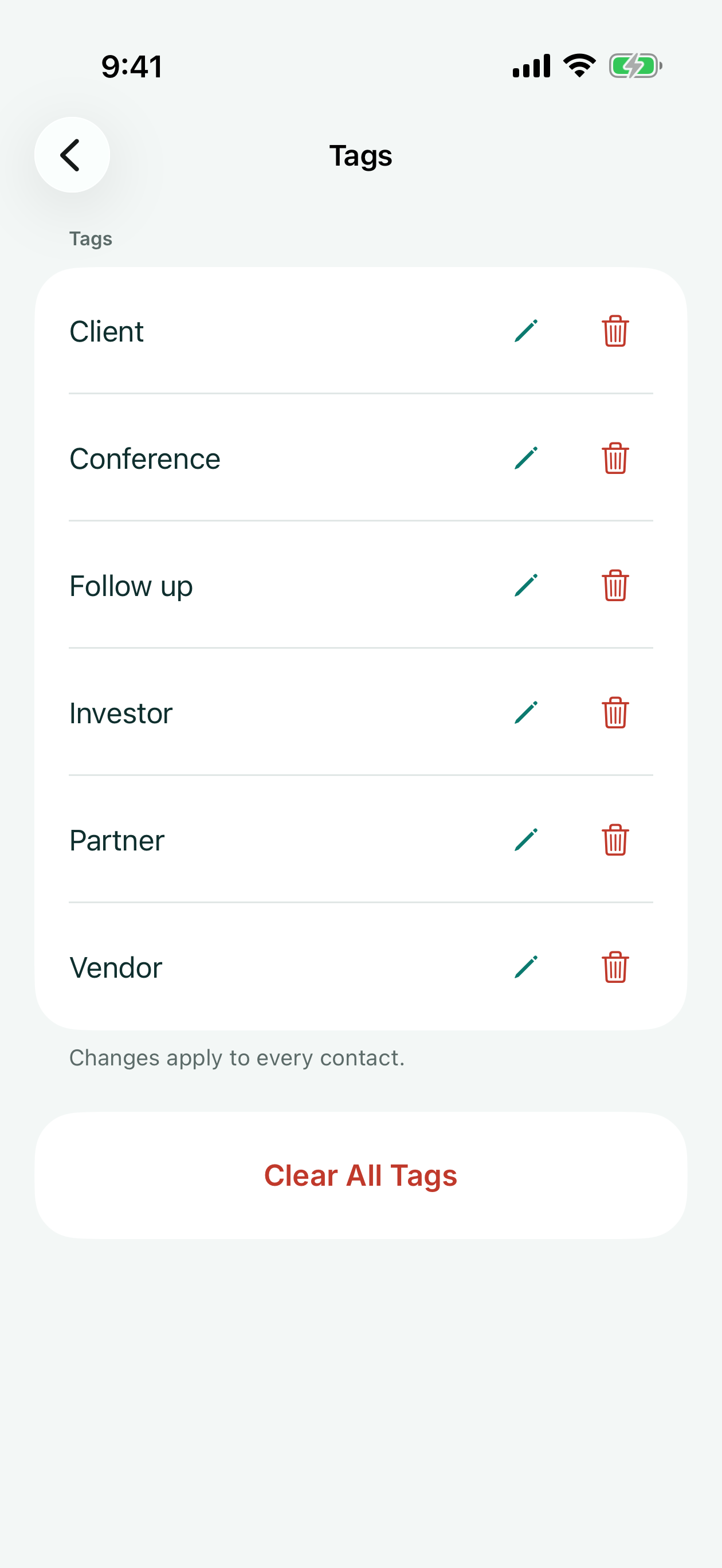
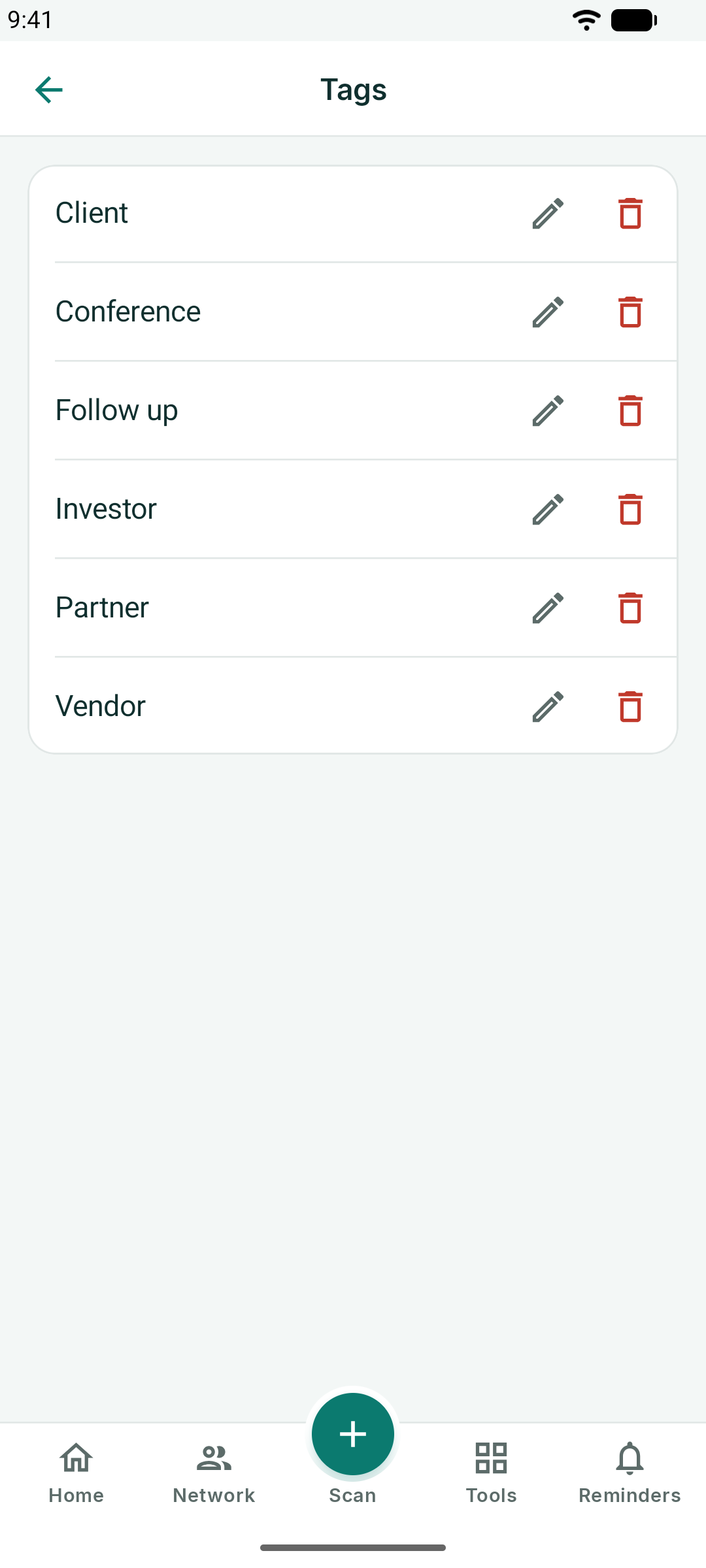
Settings → Tags lists every tag in use; rename a tag there and every contact updates.
Your Digital Business Card
The Home screen is your own card. The first time you open KotaDex it asks for your name, title, company, phone and email; you can add a photo and a logo for the middle of the QR code.
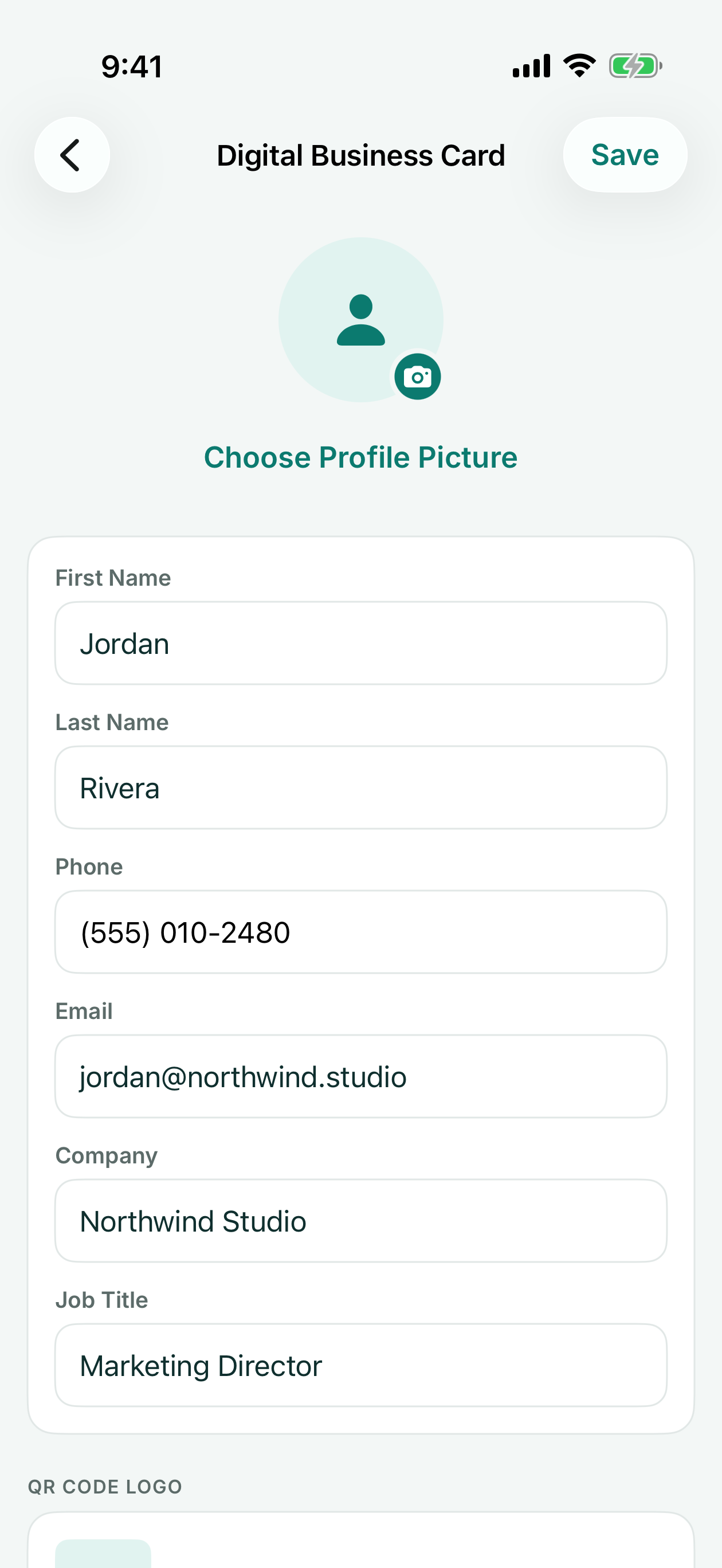
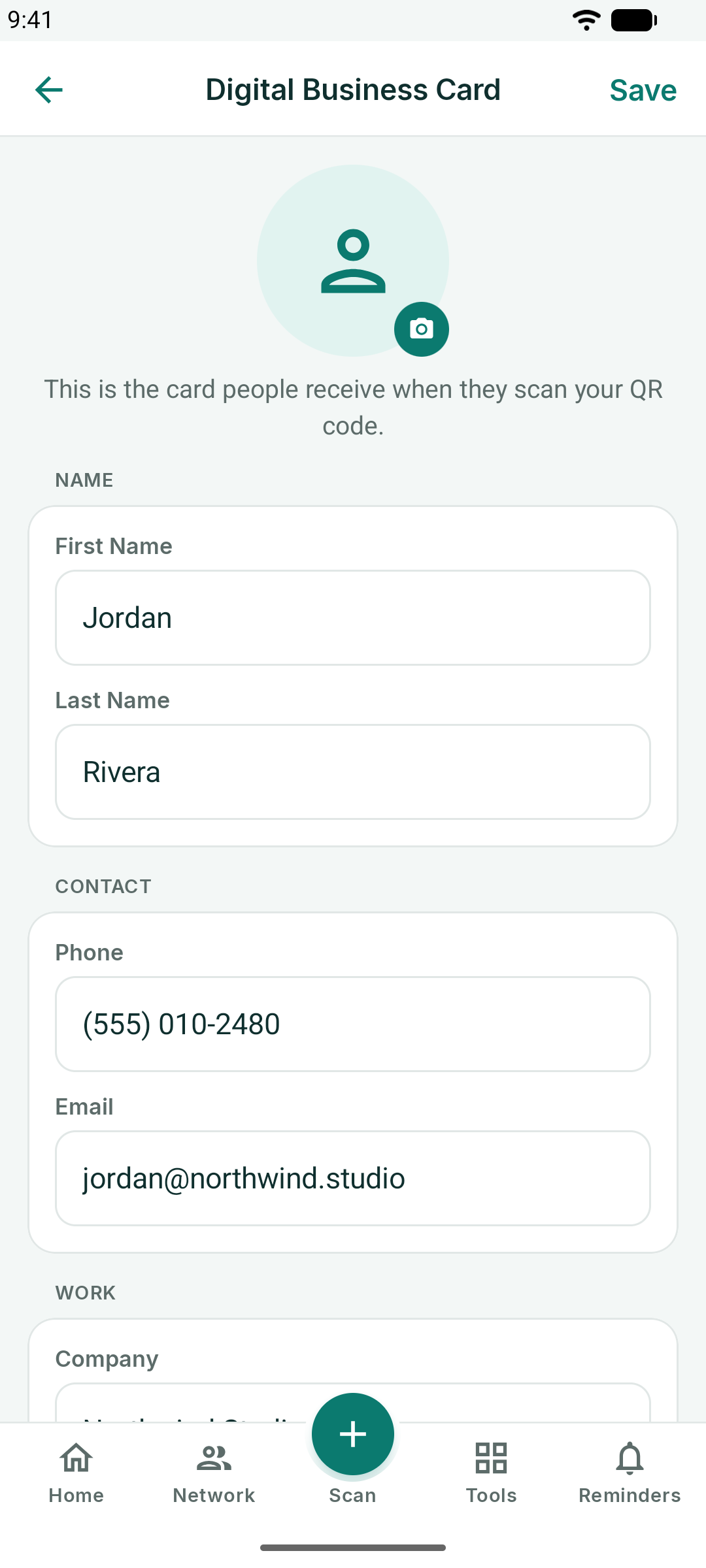
Once saved, Home shows the card with a QR code. When someone scans it with their phone camera, your details open as a new contact on their phone — no app needed on their side.
- Share my card sends the QR image or the contact file by message, email or AirDrop.
- Tap the pencil on the card, or Settings → Digital Business Card, to edit it.
Reminders
The Reminders tab turns tags into follow-ups.
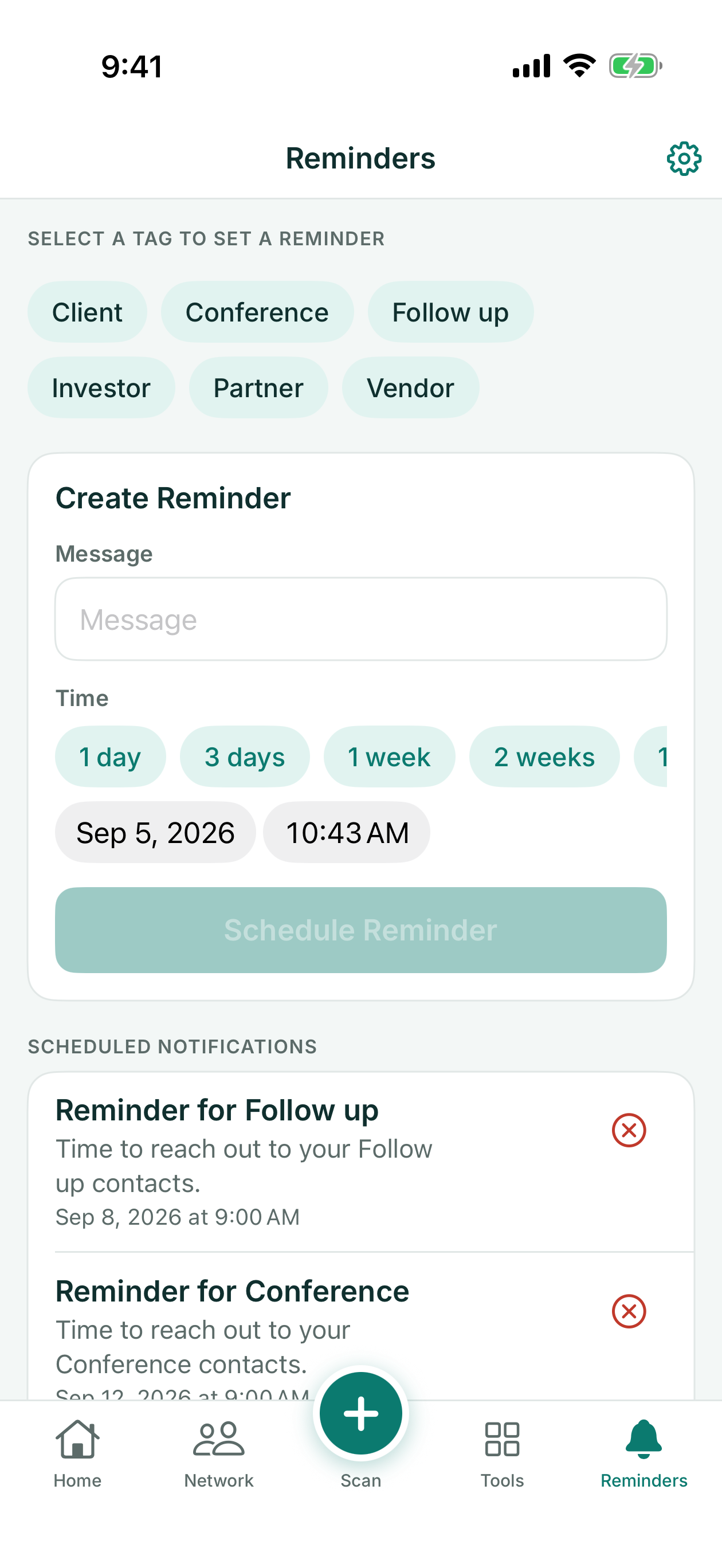
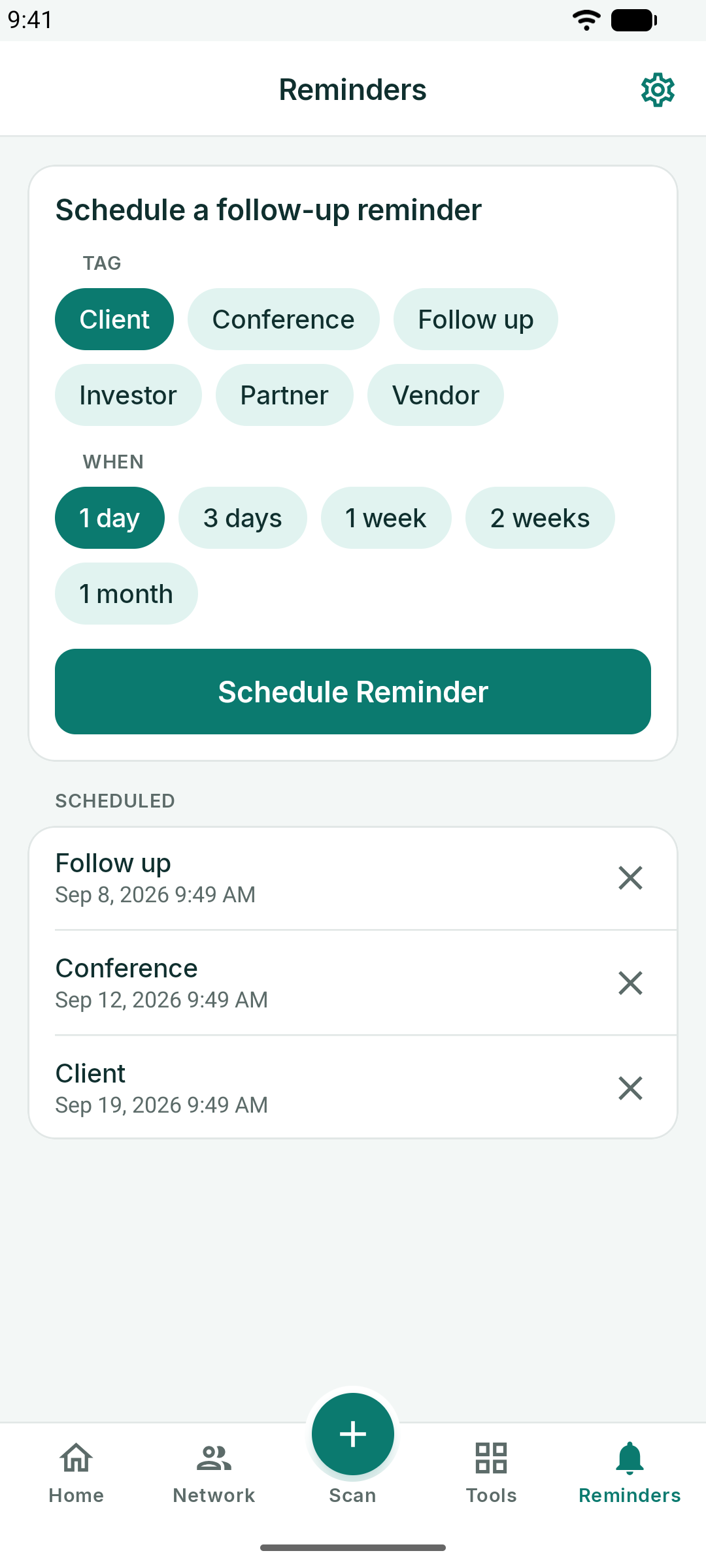
- Pick a tag — for example *Follow up* or *Conference*.
- Choose when: 1 day, 3 days, 1 week, 2 weeks or 1 month, or pick a date and time.
- Tap Schedule Reminder.
KotaDex sends a notification at that time. Scheduled reminders are listed below the form; tap the X to cancel one. Notifications need permission the first time — if you declined, turn them back on in your phone's Settings.
The Tools Hub
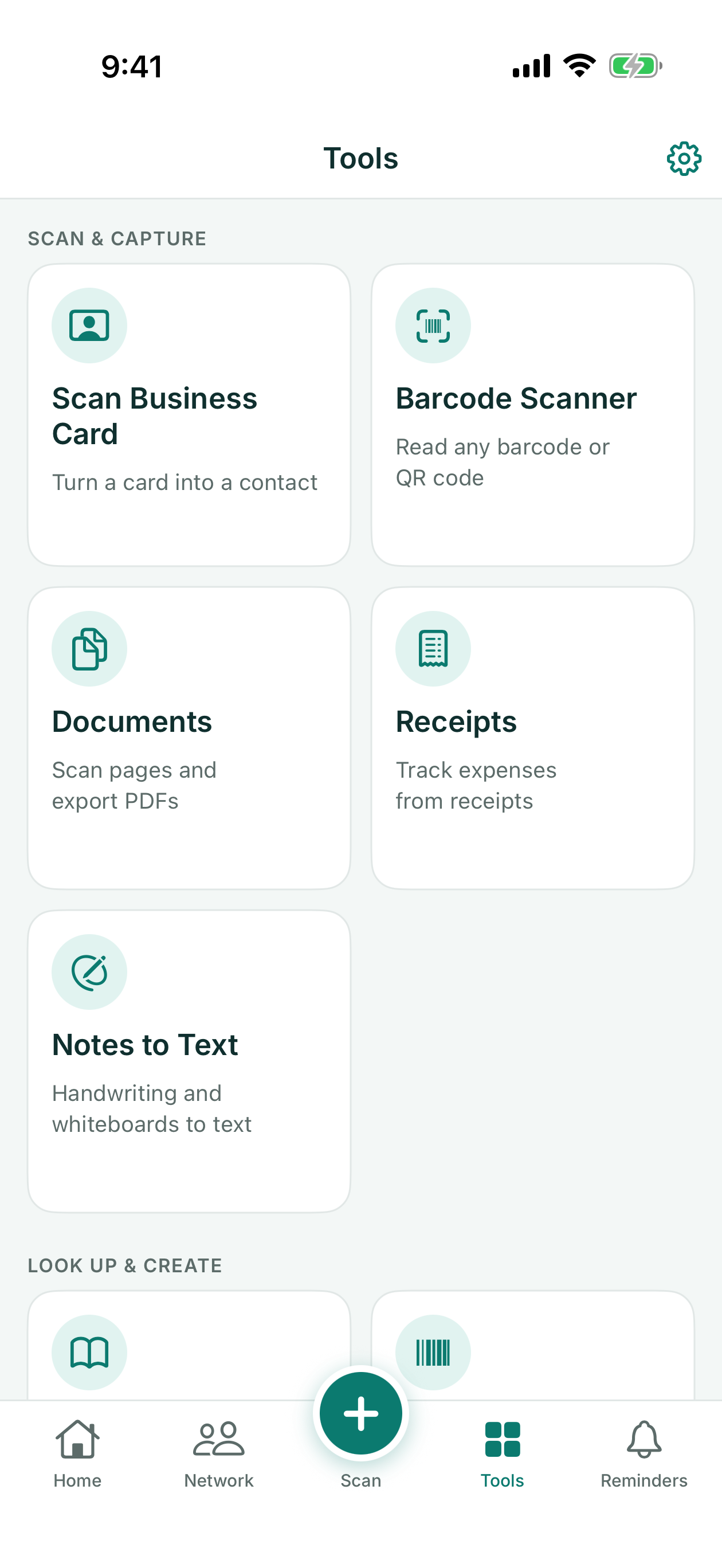
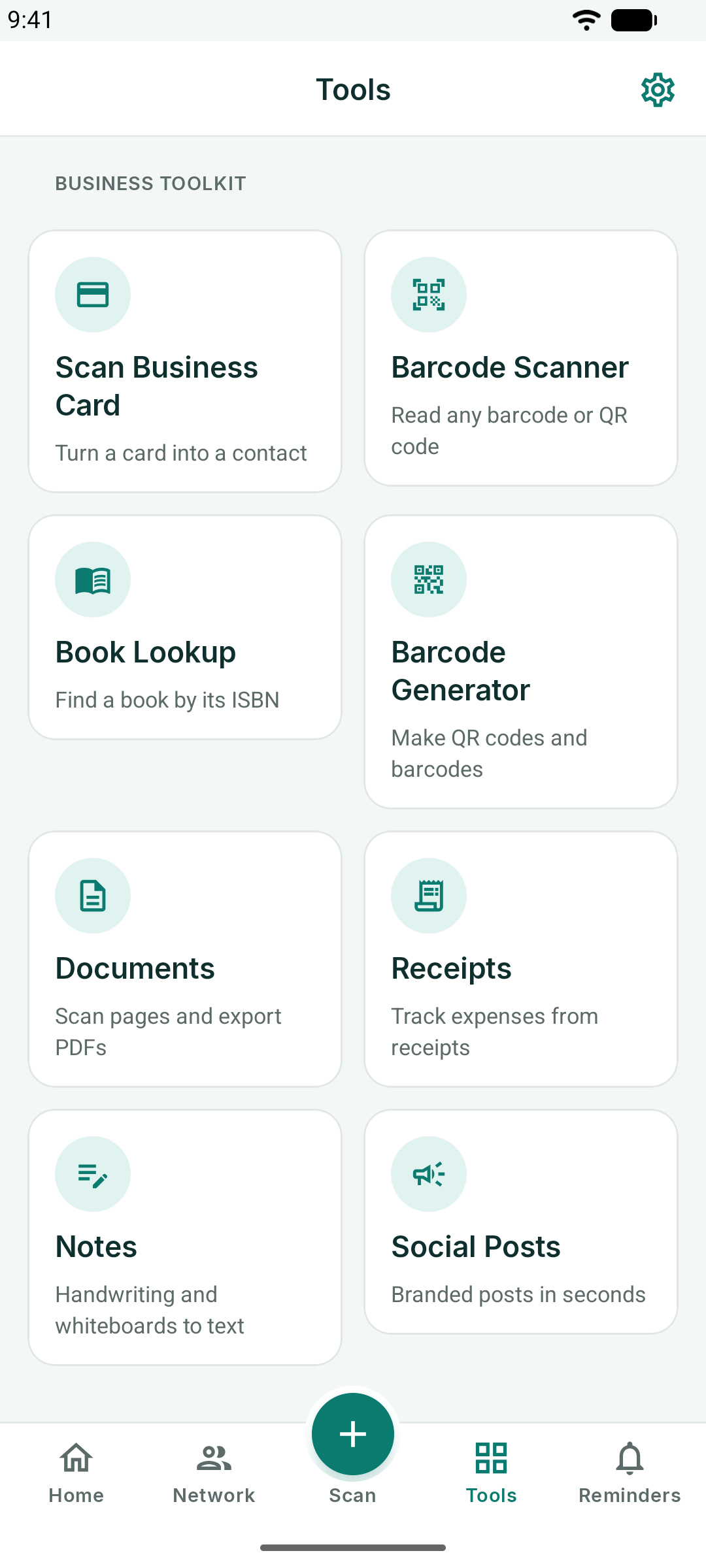
The Tools tab holds eight tools. Each opens full screen and returns to the hub with the back arrow.
Barcode Scanner and Book Lookup
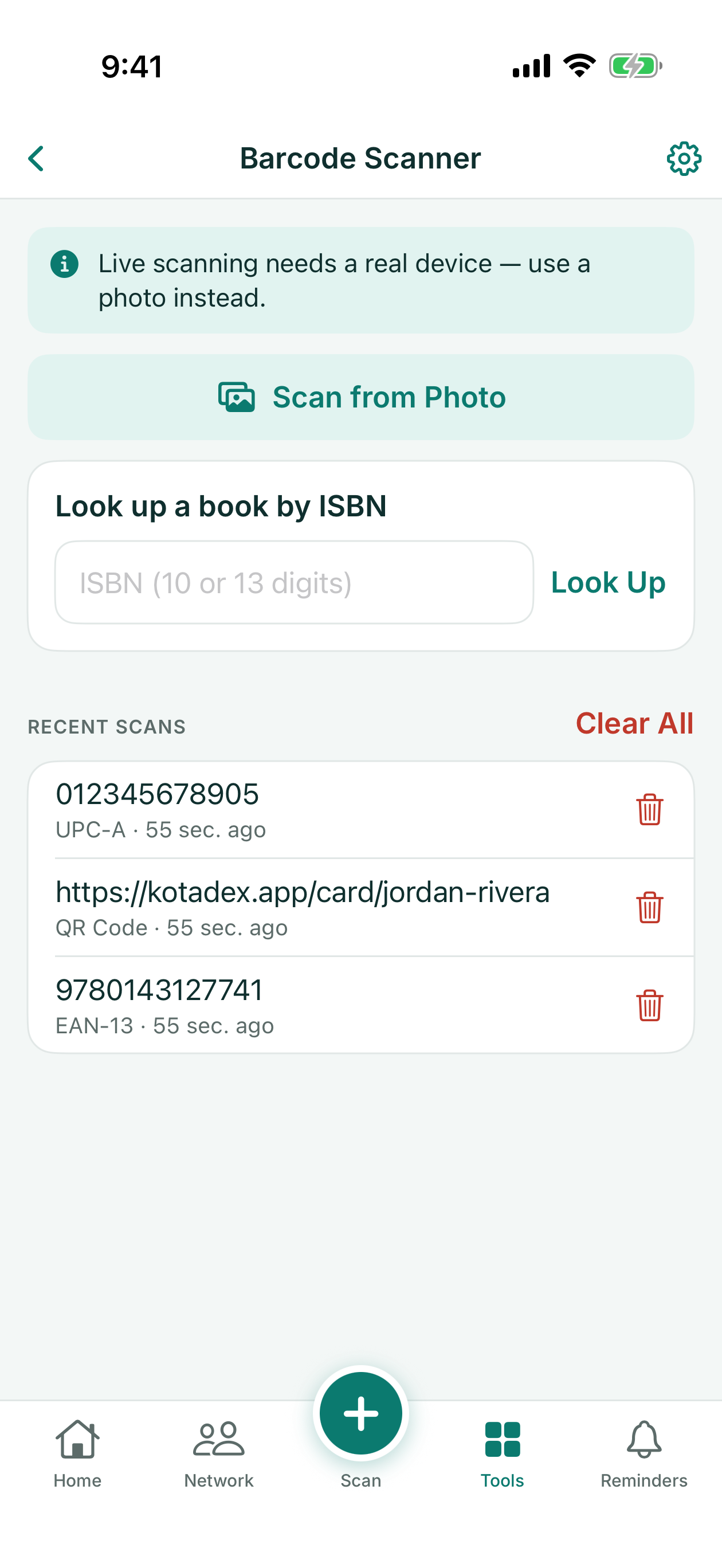
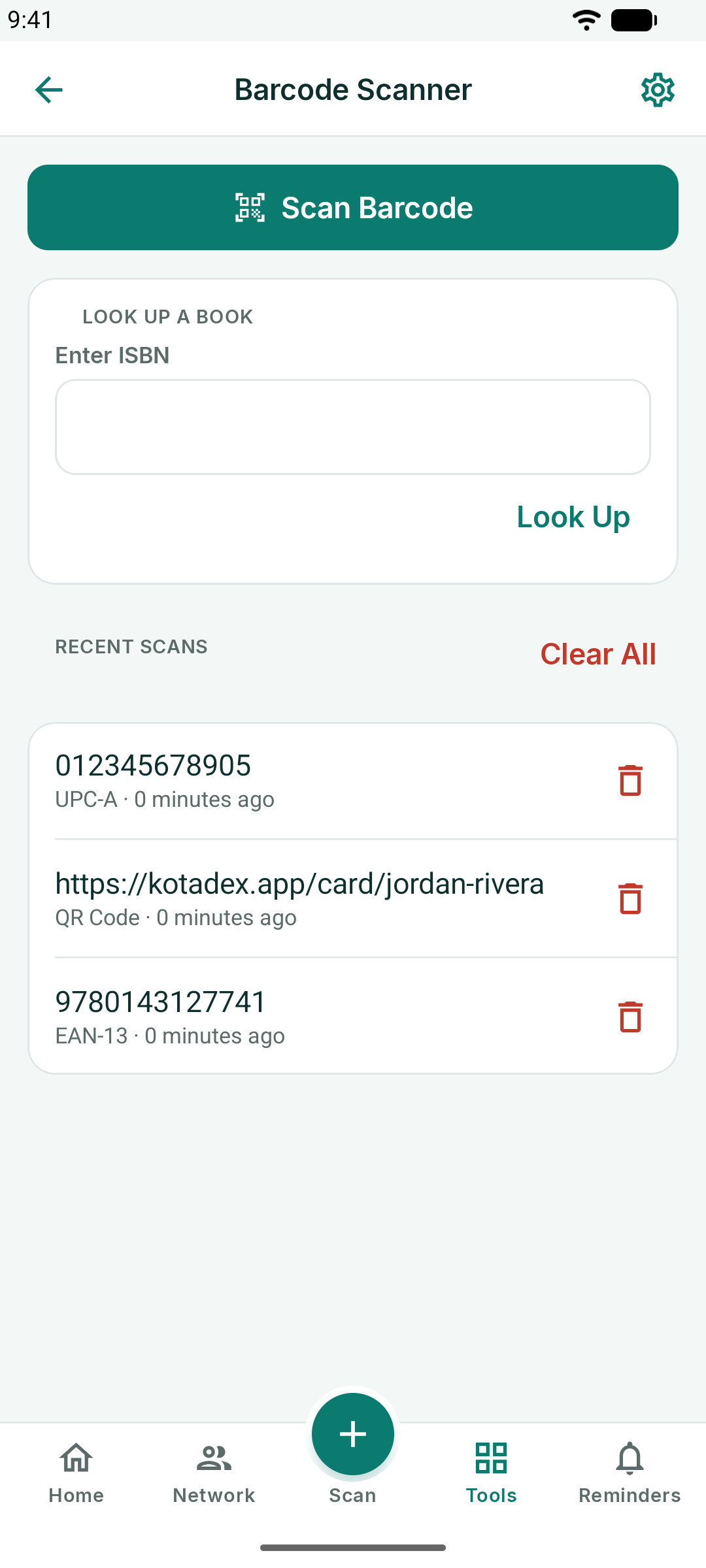
Barcode Scanner reads any barcode or QR code with the camera and keeps the last fifty scans in a history you can copy from or clear. Links open in your browser; contact QR codes open as contacts.
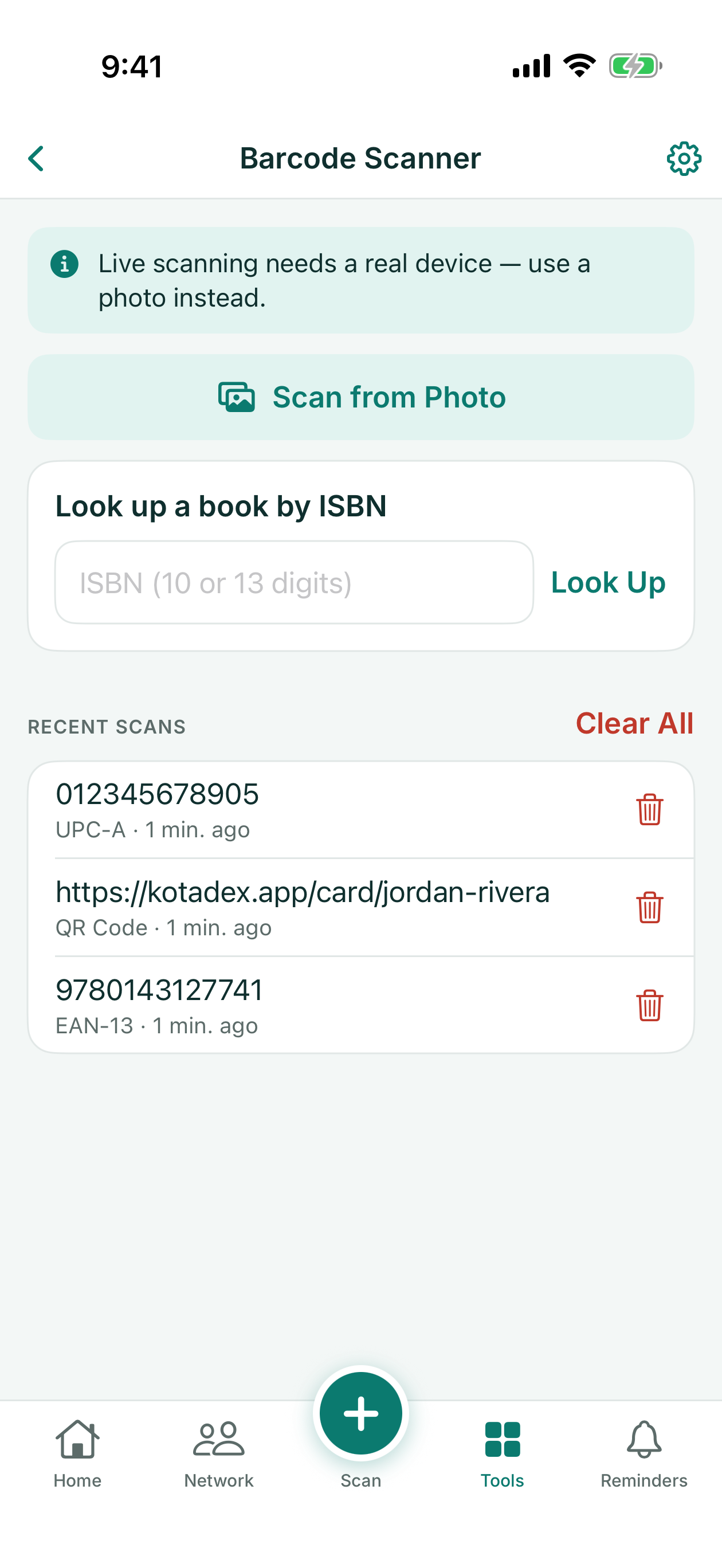
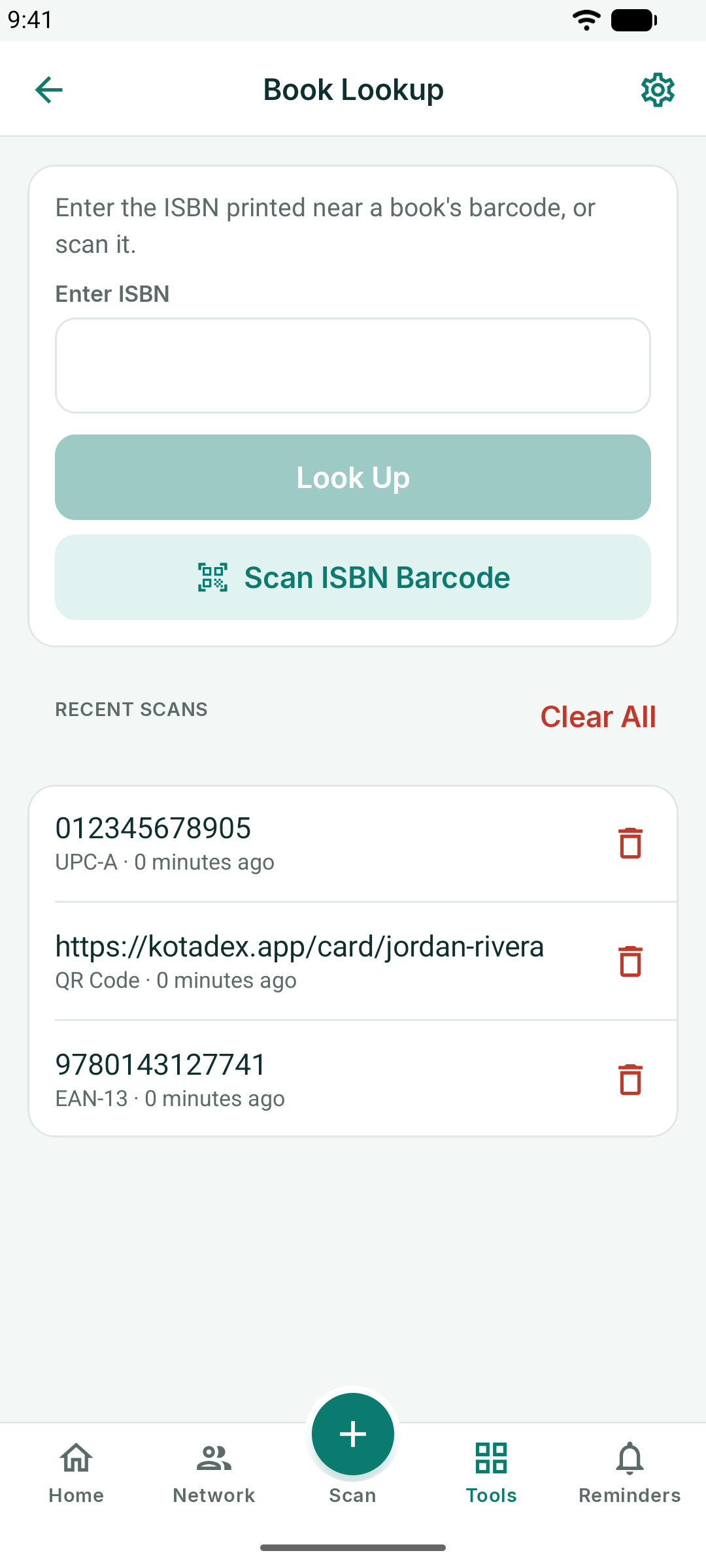
Book Lookup takes an ISBN — scanned or typed — and finds the title, author and cover, with links to Amazon, Google Books and Wikipedia.
Barcode Generator
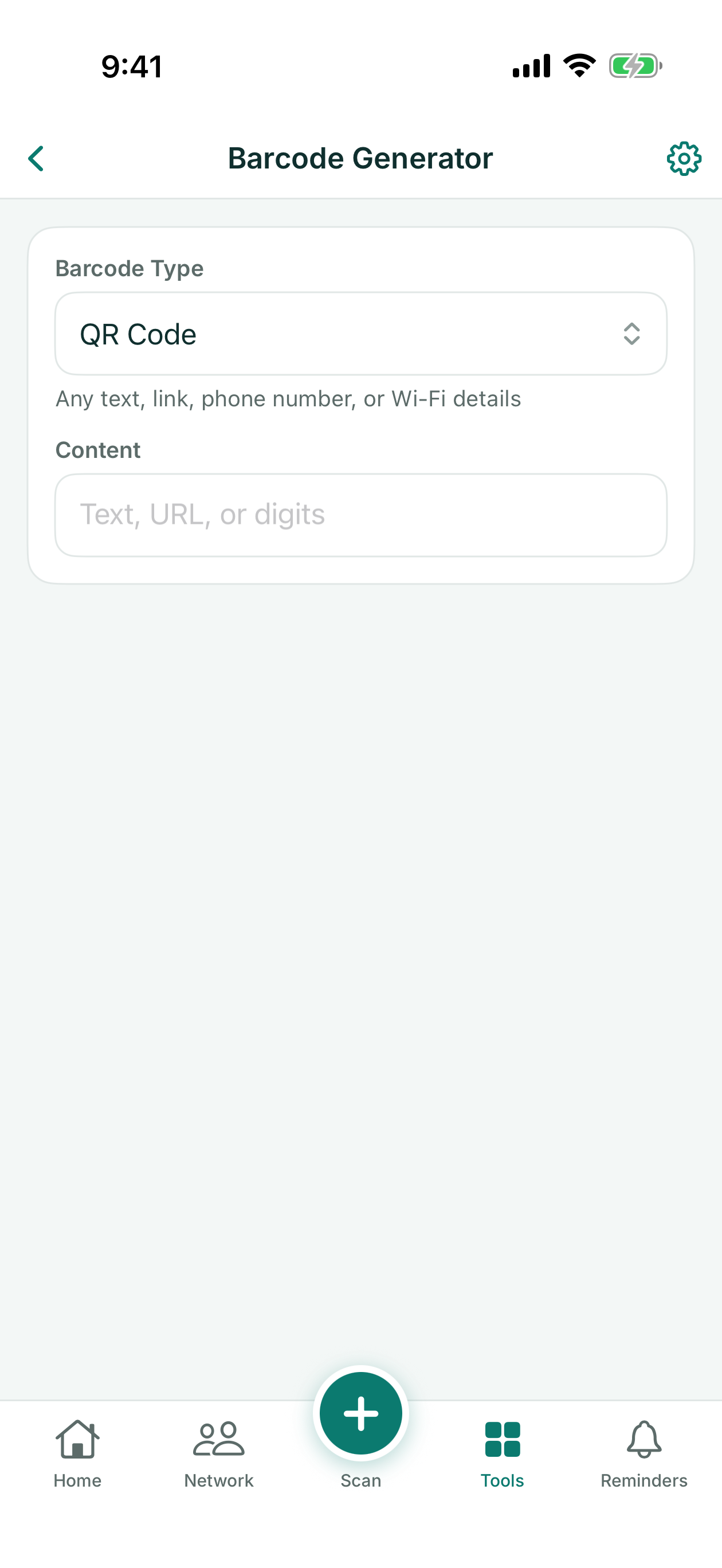
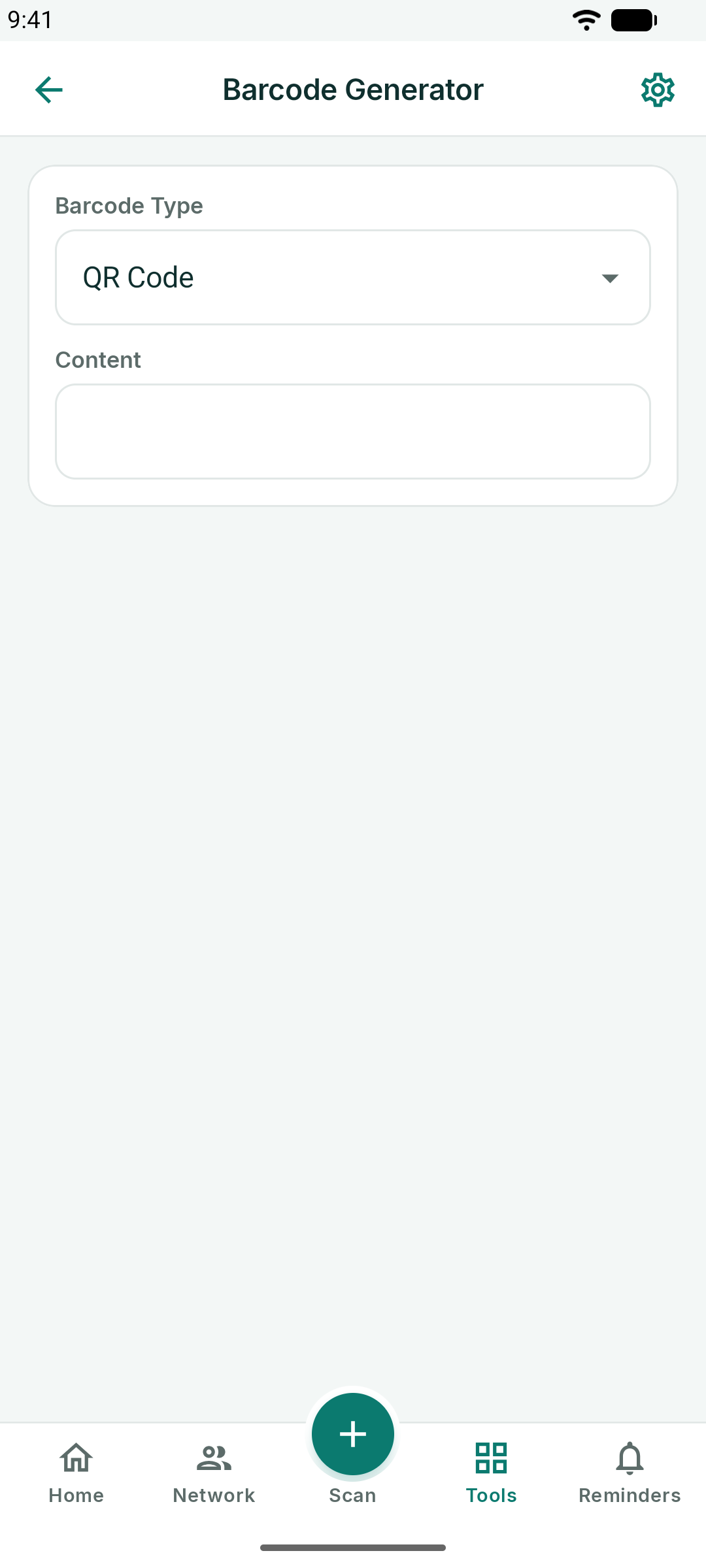
Make a QR code or a barcode from any text, link, phone number or Wi-Fi details. Pick the type, enter the content, and the code renders live; save it to your photos or share it.
Documents
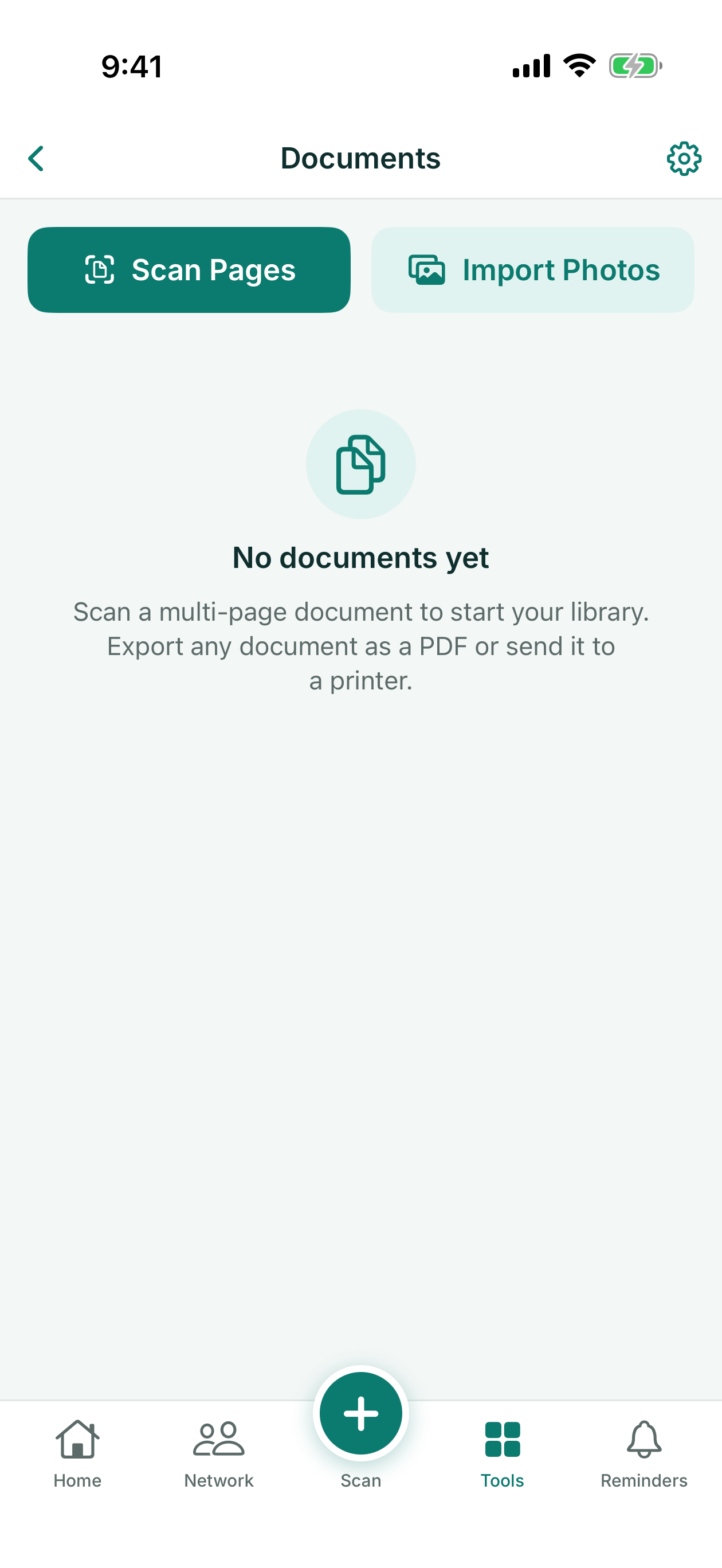
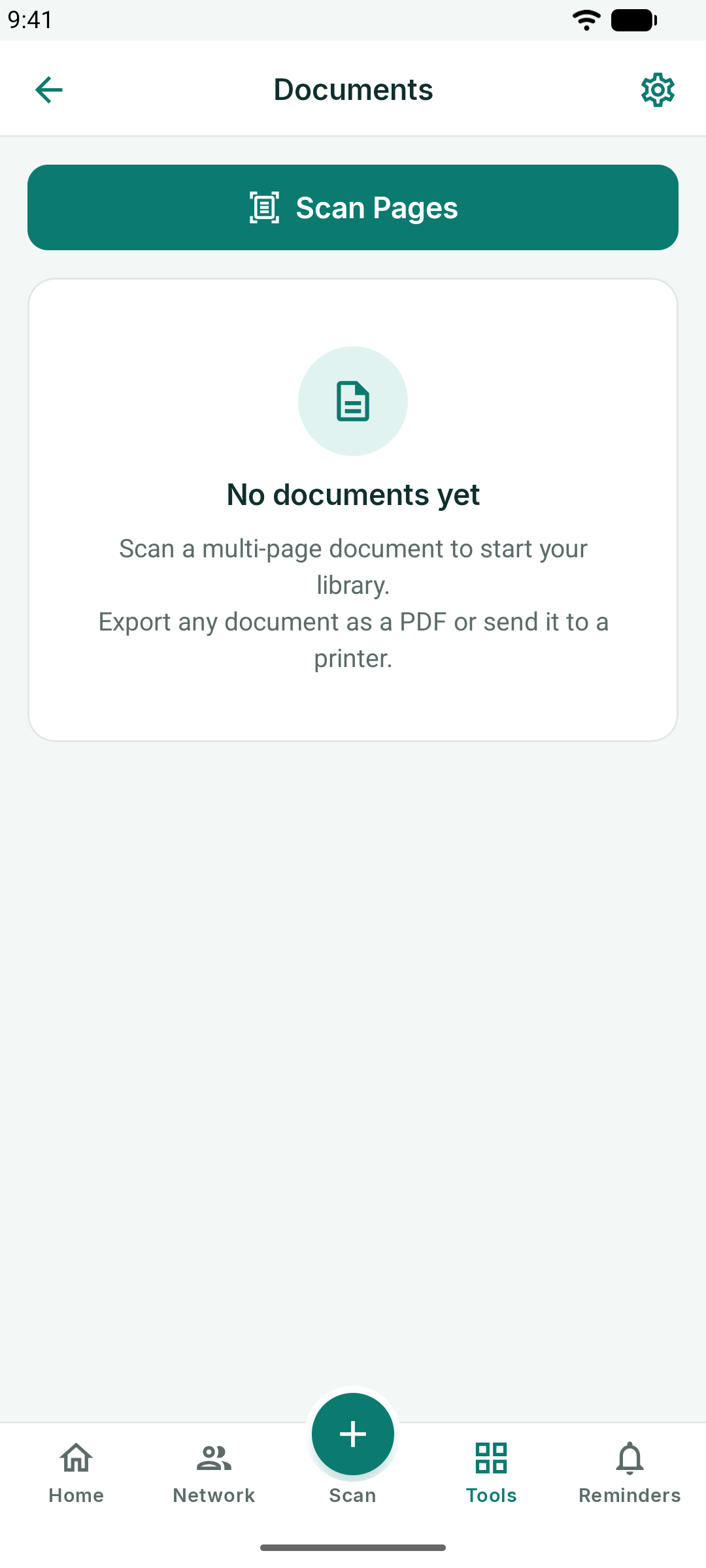
Scan multi-page documents into a PDF. Edge detection straightens each page; add pages, reorder them, then export or share the PDF.
Receipts
Photograph a receipt and KotaDex reads the merchant, date and total, files it under a category (Meals, Travel, Fuel, Lodging, Office, Supplies, Other), and keeps running totals for this month and all time.
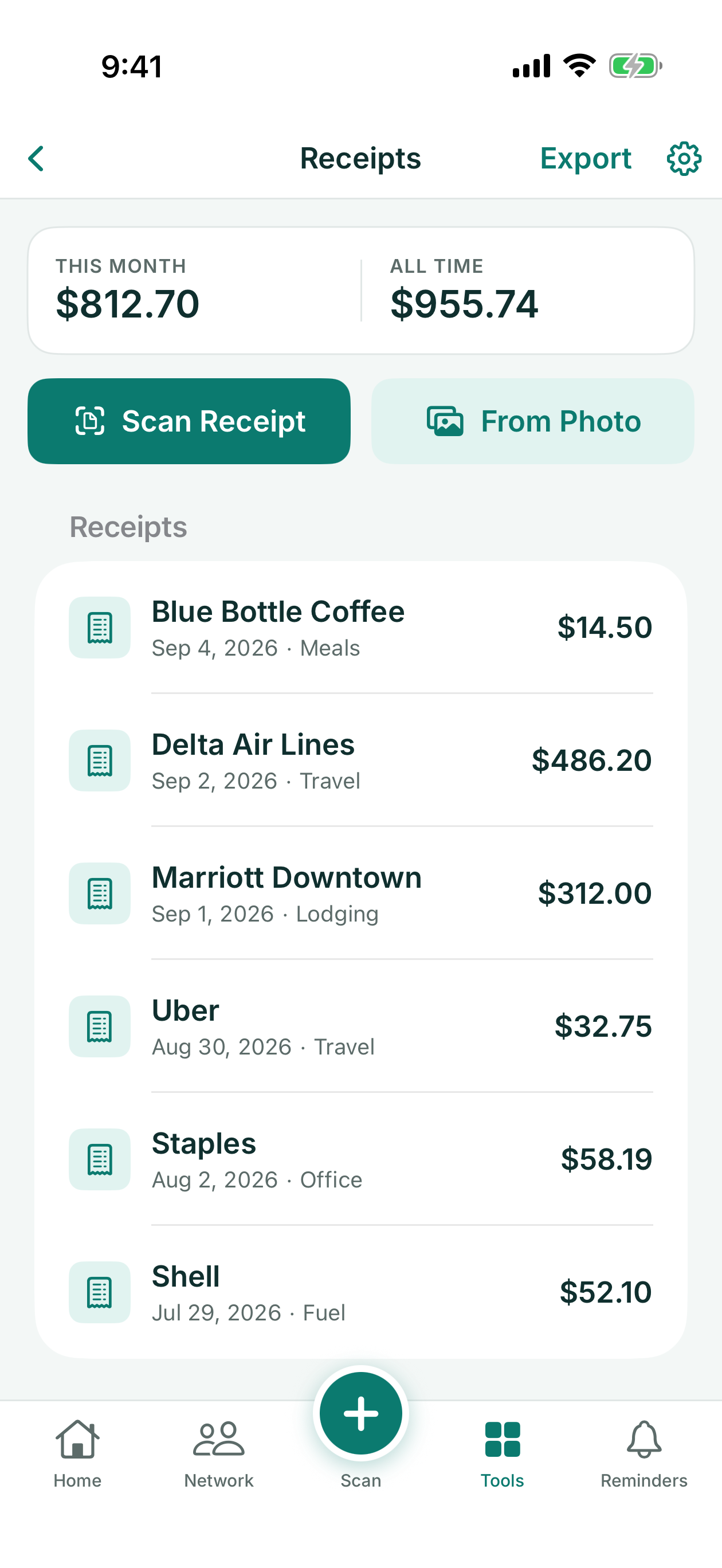
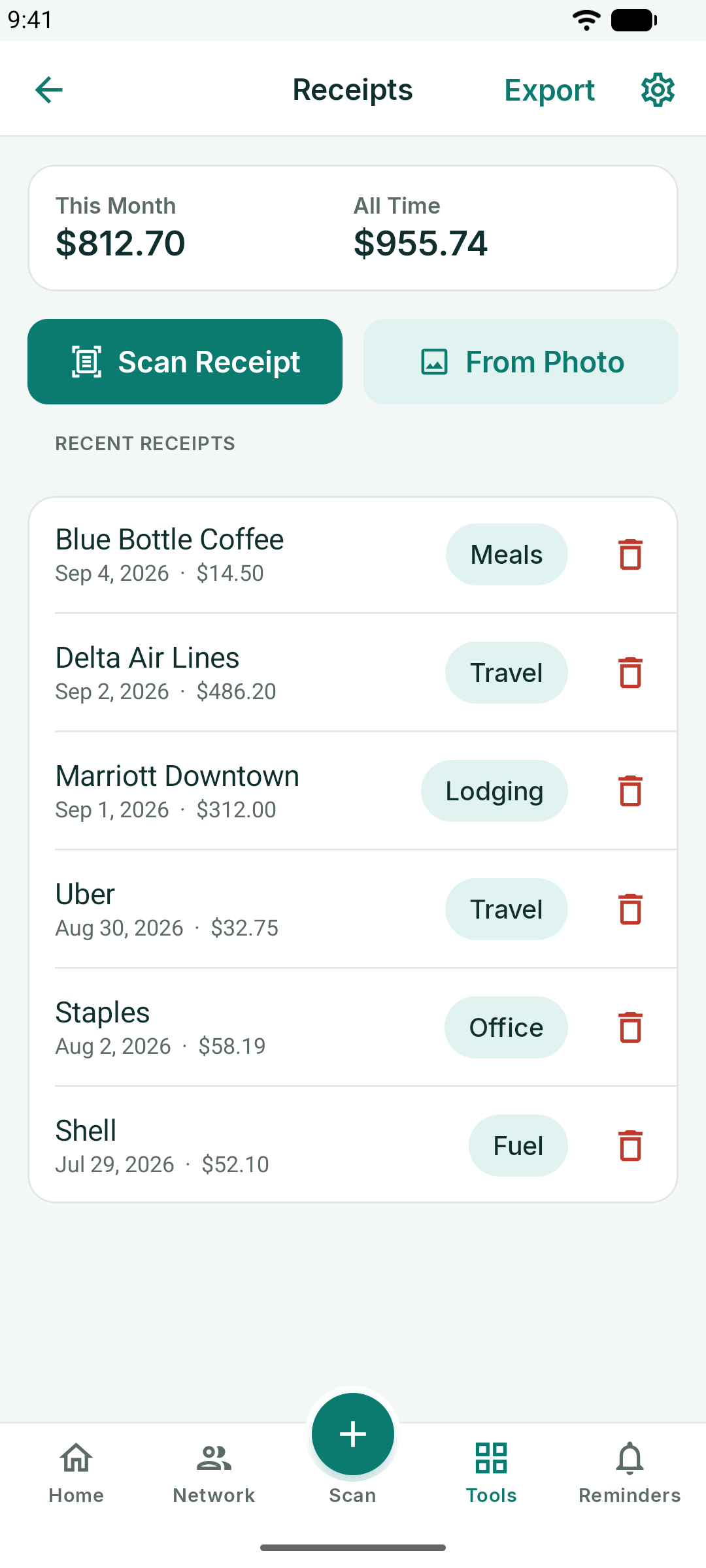
- Scan Receipt uses the camera; From Photo imports one you already have.
- Tap a receipt to correct any field or change the category.
- Export writes a CSV of every receipt for your expense report.
Notes to Text
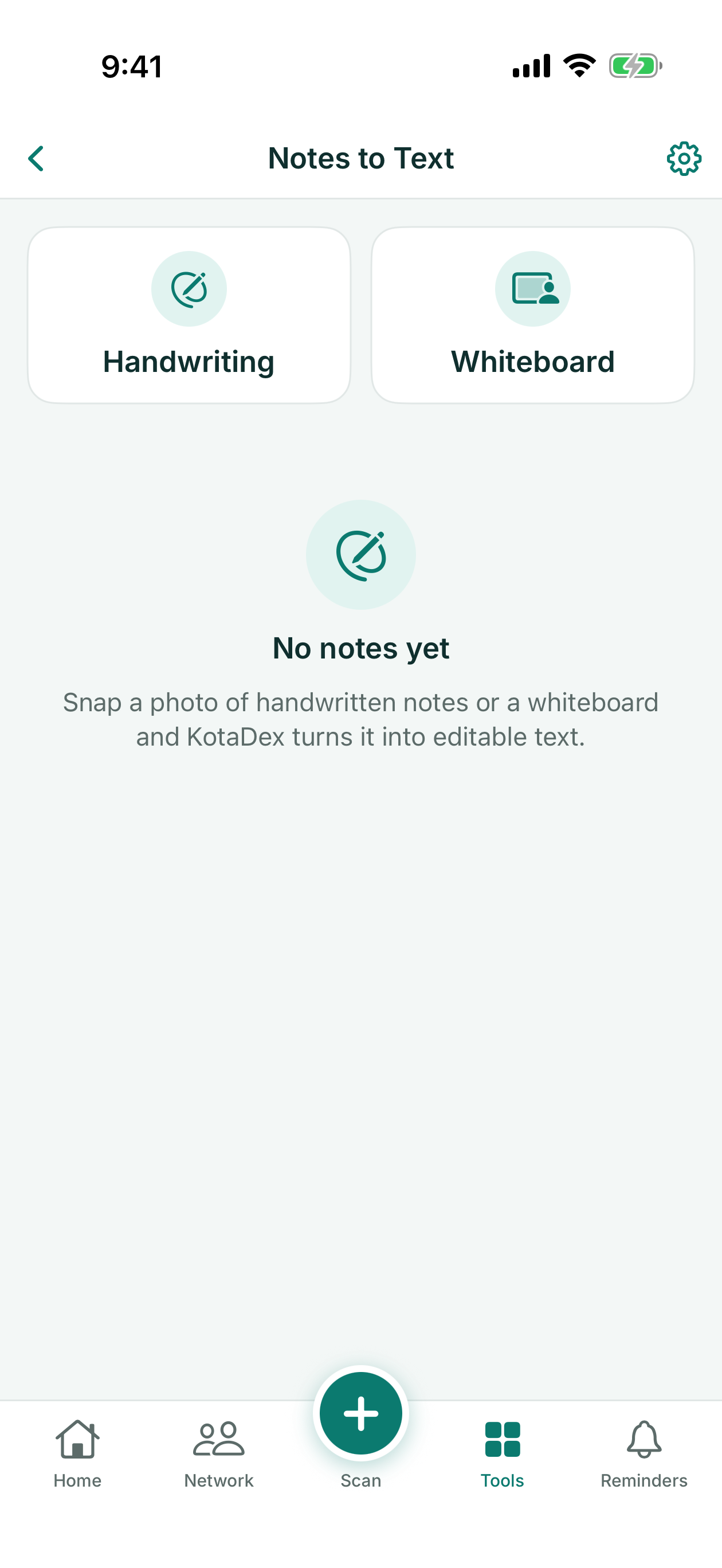
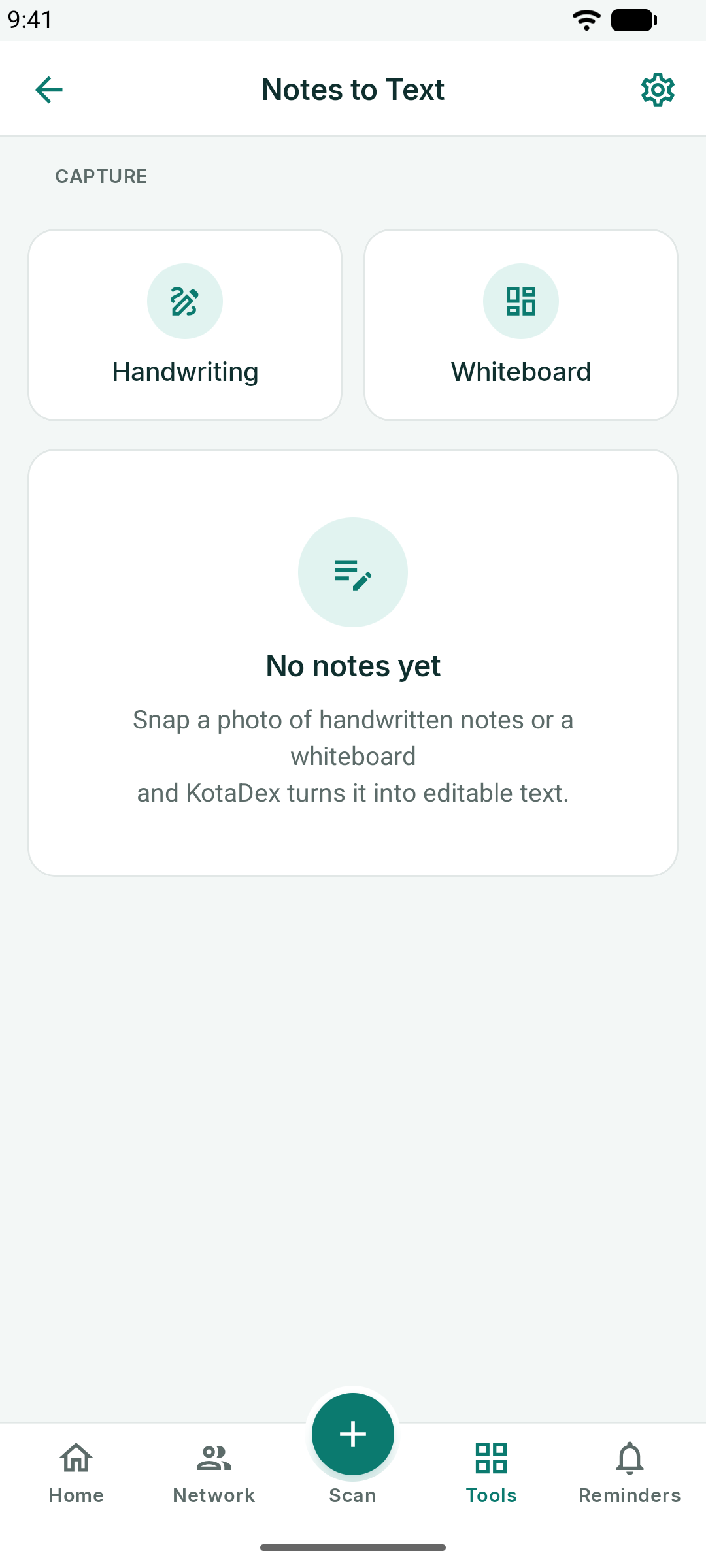
Photograph a handwritten page or a whiteboard and KotaDex turns it into editable text. Give the note a title, fix any misreads, and copy the text wherever you need it. The original photo stays attached to the note.
Settings
The gear in the top-right corner opens Settings.
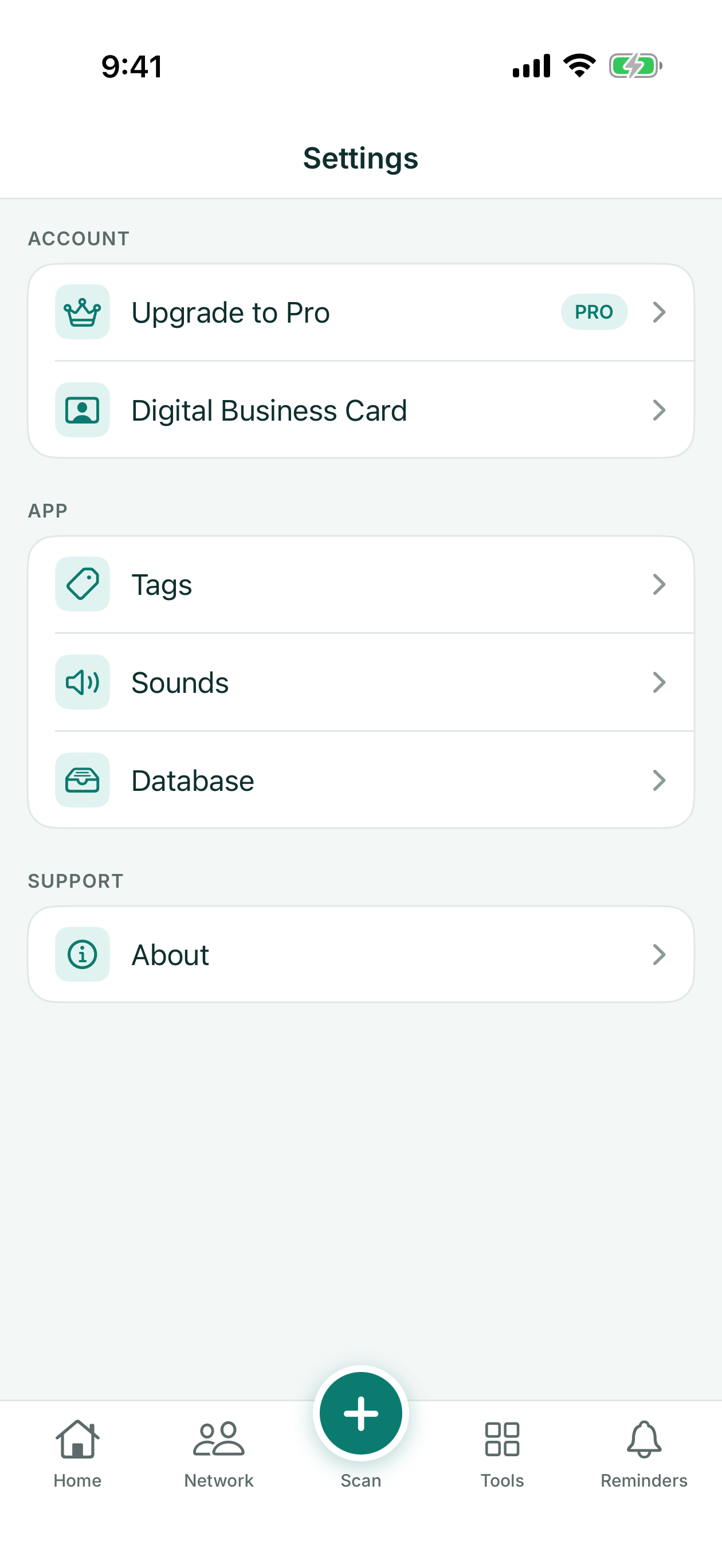
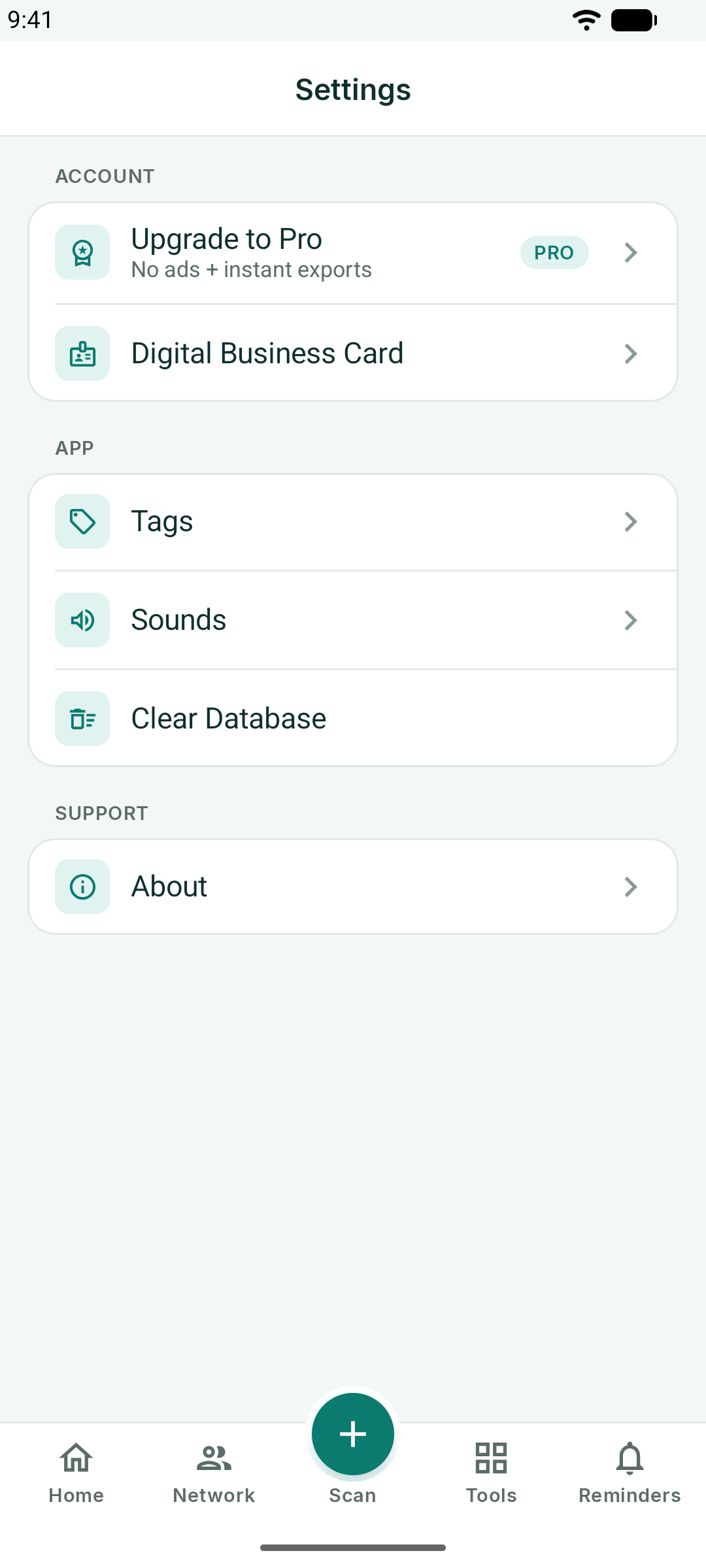
- Upgrade to Pro - plans and restore purchases
- Digital Business Card - edit your own card
- Tags - rename or remove tags
- Sounds - the scan confirmation sound
- Database - how many contacts you have, and Delete All
- Privacy Options - review or change your ad consent choices (shown where it applies)
- About - version, support email and the privacy policy
Database and Your Data
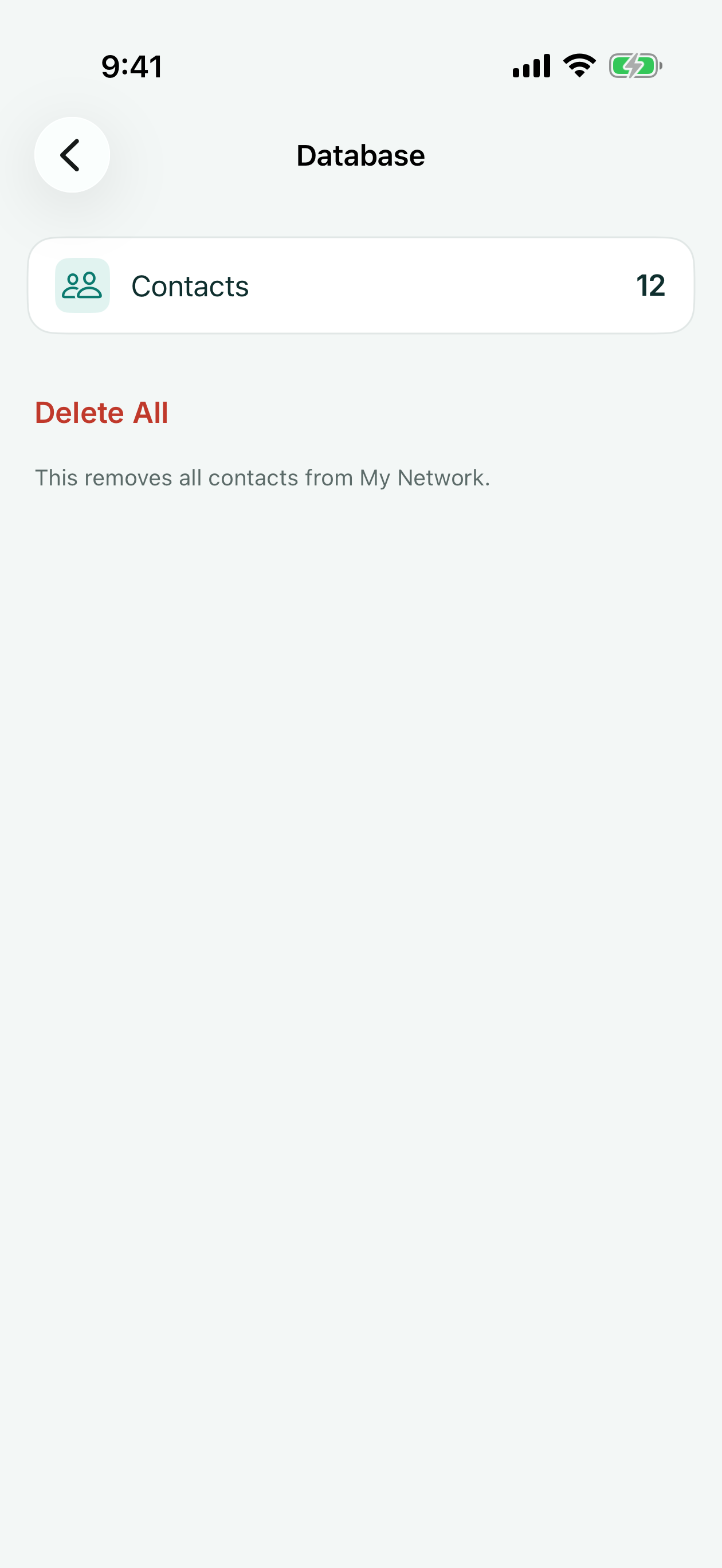
Everything KotaDex stores lives on your device. Settings → Database shows the contact count and offers Delete All; individual receipts, documents, notes and scans are deleted from their own screens.
Deleting the app removes all of its data. There is nothing to delete on our side because we never receive it — see the privacy policy.
KotaDex Pro
Pro removes every ad and makes exports instant. It is a subscription billed by the App Store or Google Play:
| Plan | Price | Notes |
|---|---|---|
| Free | $0 | Every feature; ads on browsing screens; a short ad before each export |
| Pro Yearly | $5.99 / year | No ads, instant exports — the best value |
| Pro Monthly | $0.99 / month | No ads, instant exports; cancel anytime |
Manage or cancel the subscription in your App Store or Google Play account. Restore Purchases on the Pro screen brings Pro back on a new phone.
Questions? Email [email protected] or use the support form.
Social Posts
Seven templates for the posts a business actually makes: Big Announcement, Sale / Promo, Event, Quote / Testimonial, Product Spotlight, We're Hiring, and My Business Card. Fill in your details and export a ready-to-post image or a short video.